
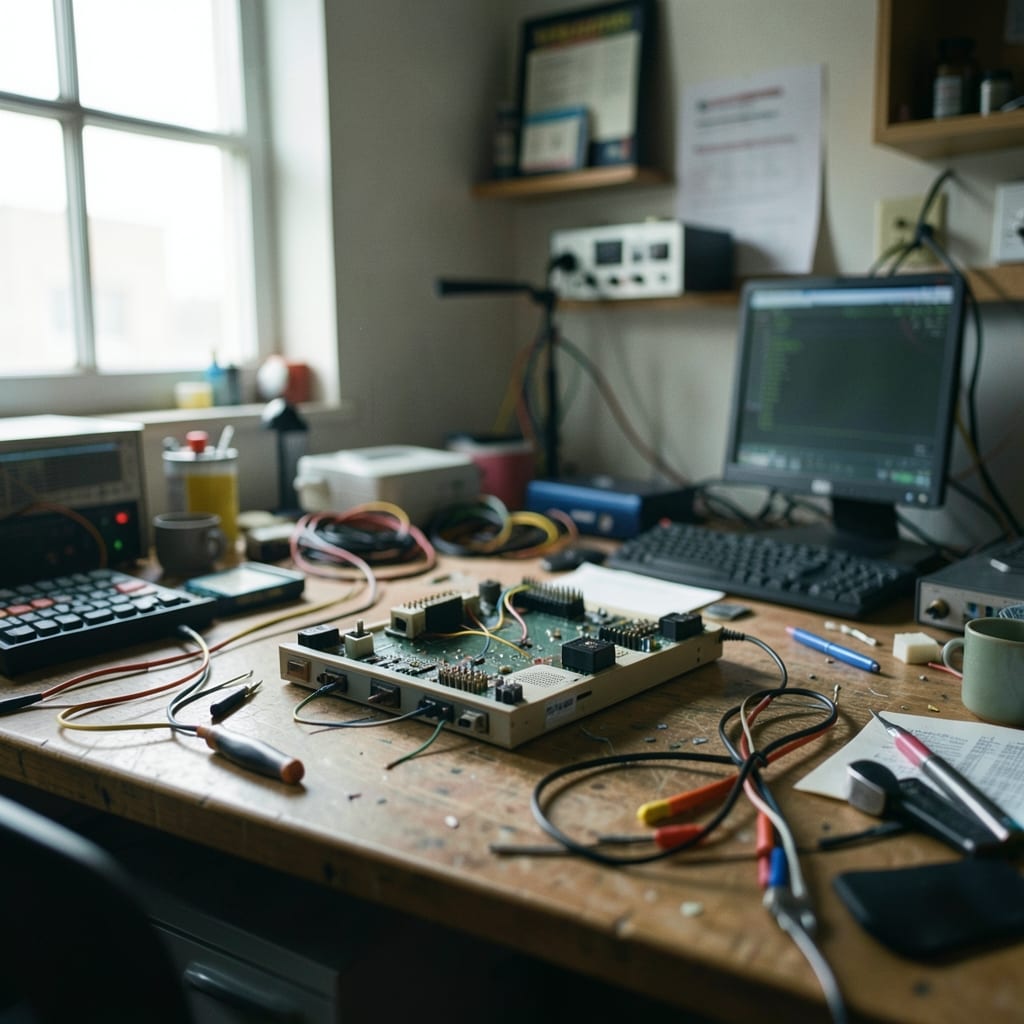
What is on this site
This site is a collection of clear, step-by-step guides for everyday tech problems—whether you’re troubleshooting a frozen Windows update, configuring a Linux server, or trying to master a new productivity tool. No jargon, no assumptions, just practical answers.
Topics include operating systems (Windows, Linux, macOS), software reviews (Office Suite, Outlook, PowerPoint), hardware troubleshooting, and productivity tips. Every guide follows the same structure so you can find what you need quickly.
| Where | What is there | Go here if |
|---|---|---|
| The homepage | Latest guides and tech news | You’re new to the site |
| Guides | Step-by-step tutorials for specific problems | You need a fix for a known issue |
| Reviews | Hardware and software comparisons | You’re choosing between options |
| FAQ | Common questions and quick answers | You need a fast solution |
How to read a page here
Every guide starts with a clear title and a summary of what it covers. Numbers in the text mark steps—follow them in order, and you won’t miss anything. Diagrams or screenshots appear where they help, but you can skip them if you’re comfortable with the steps.
Timings are in minutes or seconds (e.g., *‘Wait 2 minutes’*), and units are always specified (e.g., *‘GB of RAM’*). If a guide mentions tools, they’re listed upfront so you know what to grab before you start.
Ignore the ‘Also try’ section on a first read—it’s for when you’ve followed the steps and the problem persists. The ‘Key terms’ box explains any technical words you might not know, but you can skip it if you’re in a hurry.
When it does not work
If a guide isn’t solving your problem, it might be because your system is different (e.g., an older OS version or custom setup). Check the ‘Applies to’ note at the top—it lists the versions, hardware, or software the guide covers.
Before you give up
- Double-check your system specs against the guide’s requirements
- Try the steps again slowly—some issues hide in small details
- Look for updates to the guide (new versions appear at the top)
- Search the site for similar problems (the search bar is on every page)
Who we are

This site is built by someone who remembers the frustration of staring at a blank screen, wondering why a simple task kept failing.
| The colophon | |
|---|---|
| Written by | Jamal Prescott, who turns tech headaches into clear steps |
| Tested in | A home office with a dual-boot Windows/Linux setup and a spare desktop for experiments |
| Written with | VS Code, Obsidian for notes, and a mechanical keyboard that’s seen too many coffee spills |
| Learned from | A high school friend who fixed my first broken PC by eye, and the Linux forums where patience outweighed ego |
| Still getting wrong | Explaining why some driver issues persist—sometimes the answer is just ‘wait for an update’ |
Tech should work for you, not the other way around. If a guide here doesn’t fit your setup, it’s a sign we need to improve—not that you’re doing something wrong.
If you need something that is not here
Some problems are too specific for a general guide—maybe it’s a niche software glitch or an obscure hardware quirk. If you can’t find what you need, the contact page is where to ask. Include your OS version, error messages, and what you’ve tried so far.
The guides are grouped by category: App, Coding, Hardware, Operating System, Outlook and PowerPoint.