
Software
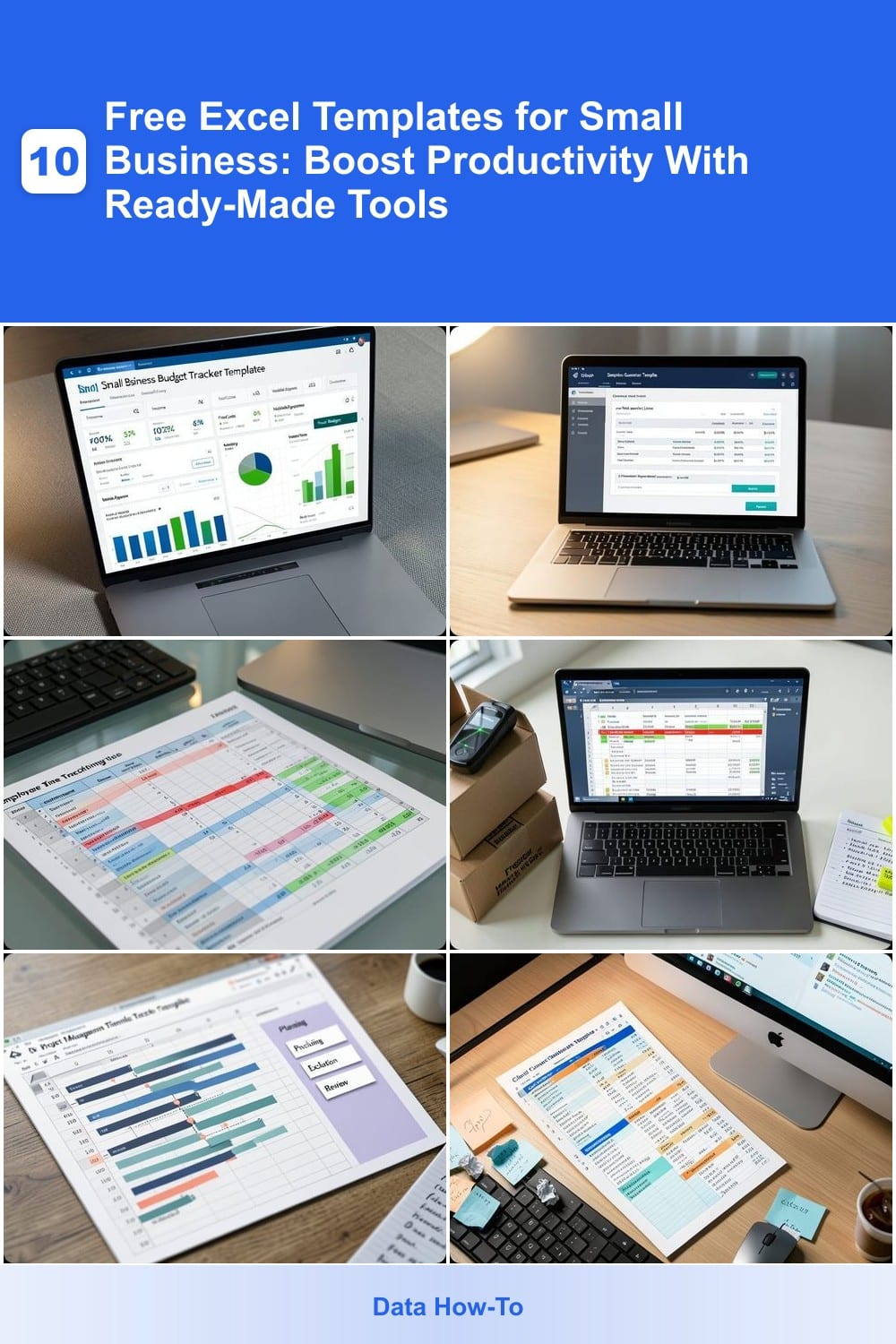
Small business owners need efficient tools to streamline operations without breaking the bank. These 10 free Excel templates solve common productivity challenges—from budgeting to inventory—so you can focus on growth instead of spreadsheets.
Small Business Budget Tracker Template
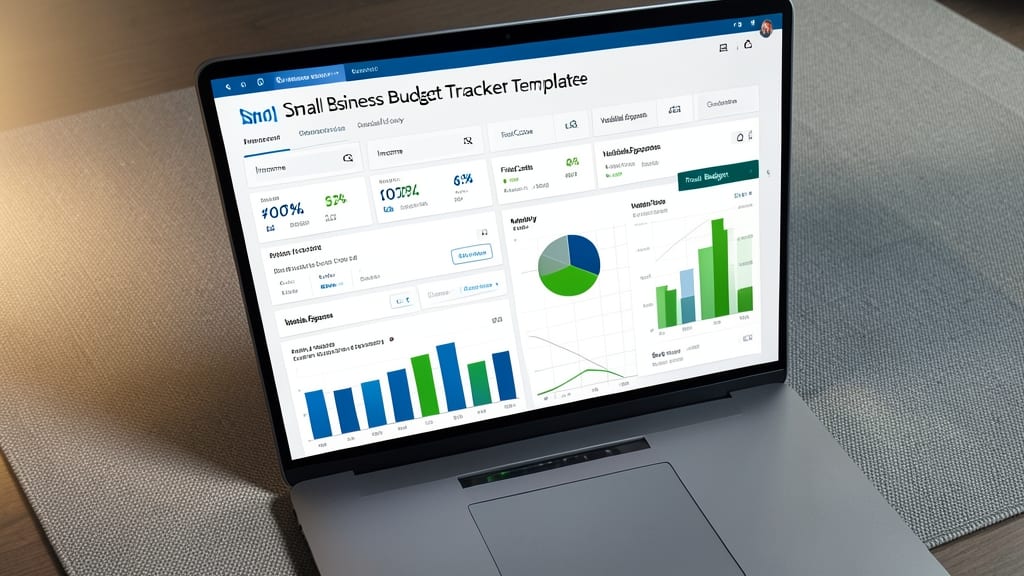
Struggling to keep your startup’s finances organized without hiring an accountant? The Small Business Budget Tracker Template from Microsoft’s official template gallery is your zero-cost solution—designed to turn spreadsheets from a chore into a clear financial dashboard.
This template features color-coded categories (like utilities, payroll, and marketing) that automatically highlight overspending in red and surplus in green. Built-in formulas handle monthly revenue vs. expense calculations, while a summary chart visualizes your cash flow at a glance. No Excel expertise required—just plug in your numbers and let the template do the heavy lifting.
Perfect for solopreneurs and early-stage teams, this tracker saves hours of manual calculations while keeping you on top of tax deductions and profit margins. Download it directly from Microsoft’s template library and start planning with confidence today. ✨
Simple Invoice Generator Template
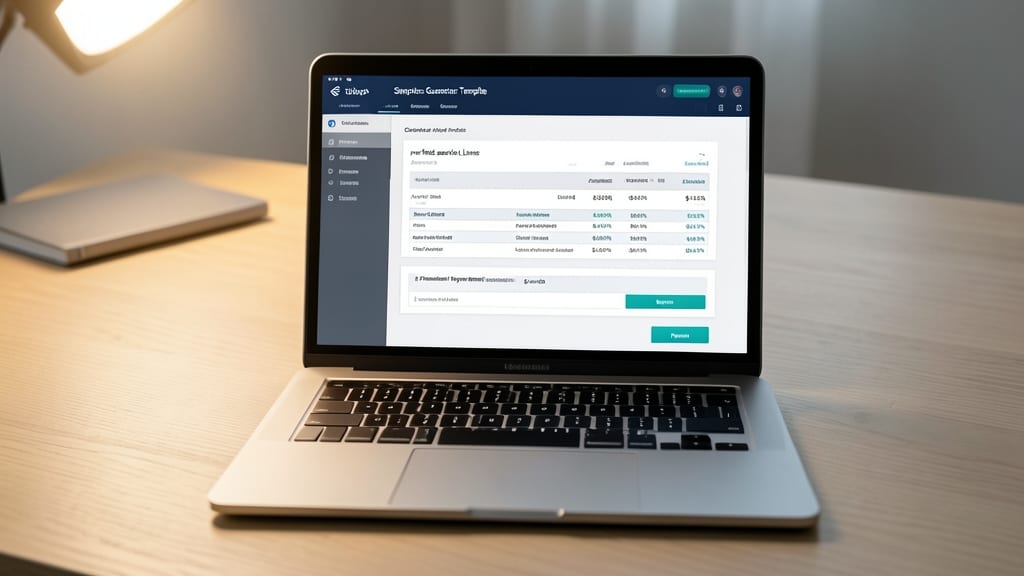
Say goodbye to awkwardly explaining your rates over email—this Simple Invoice Generator Template turns your services into polished, professional invoices in seconds. No design skills required, just plug in your details and let the template handle the rest, complete with tax calculations and payment terms.
The template includes pre-built formulas for subtotals, taxes, and grand totals, so you never miscalculate again. Add your company logo and branding colors for a cohesive look, and customize payment terms (Net 15, Net 30, etc.) with just a few clicks. It even tracks invoice status—paid, pending, or overdue—so you can follow up effortlessly.
Perfect for freelancers, consultants, and small service-based businesses who want to look professional without hiring an accountant. Download it from Microsoft’s template gallery and start sending invoices that impress clients instantly. ✨
Employee Time Tracking Sheet
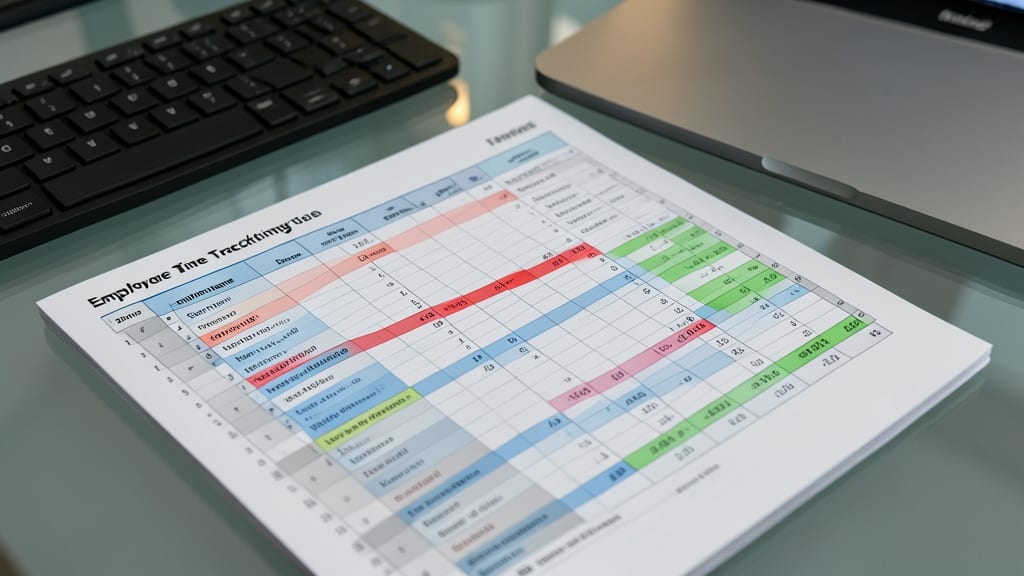
Say goodbye to the headache of manually calculating payroll—this Employee Time Tracking Sheet automates the grind for small teams. With pre-built formulas, it logs hours, flags overtime, and even generates reports ready for payroll processing, cutting weekly admin time by half.
The template includes customizable employee fields, automated overtime calculations, and payroll-ready summaries—all in a clean, printable format. No Excel expertise required; just input hours and let the sheet handle the rest. Compatible with Excel 2016 and later, it syncs seamlessly across Windows and Mac.
Perfect for startups, freelance teams, or any business managing hourly wages—this is the zero-fuss solution for accurate time tracking. ⚡
Inventory Management Template
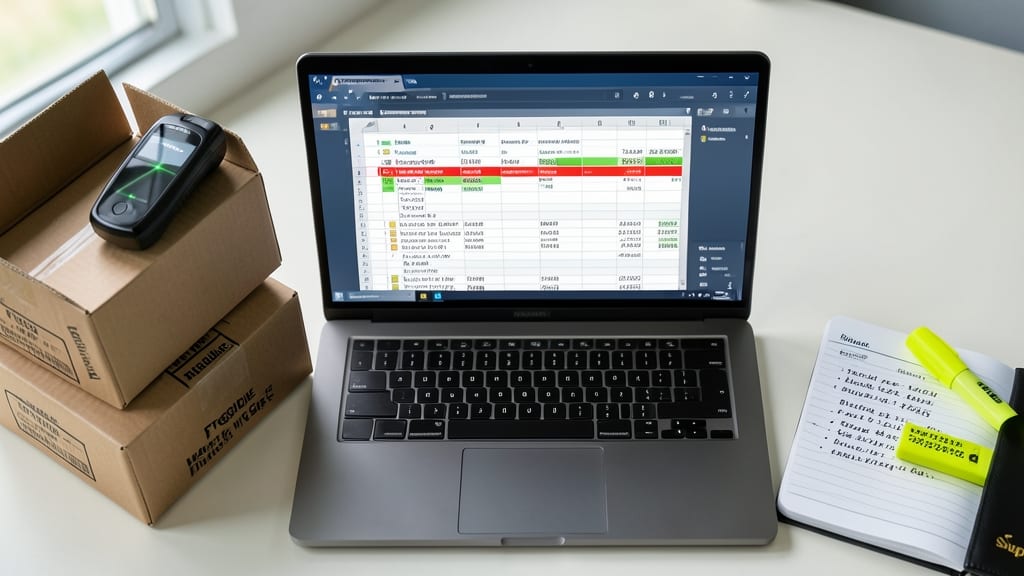
Running out of stock mid-sale or drowning in excess inventory? The Inventory Management Template from Microsoft’s official gallery solves both problems with automated alerts and supplier tracking.
This template includes customizable reorder points, supplier contact details, and barcode support to streamline stock checks. The color-coded low-stock warnings (green/yellow/red) make it easy to spot urgent replenishments at a glance. Best of all, it syncs with Excel’s built-in formulas for real-time calculations—no coding required.
Perfect for small retailers, e-commerce sellers, or warehouse managers who need to balance inventory costs without hiring a full-time analyst. Grab it from Microsoft’s template library in under a minute. ✨
Project Management Timeline Tracker
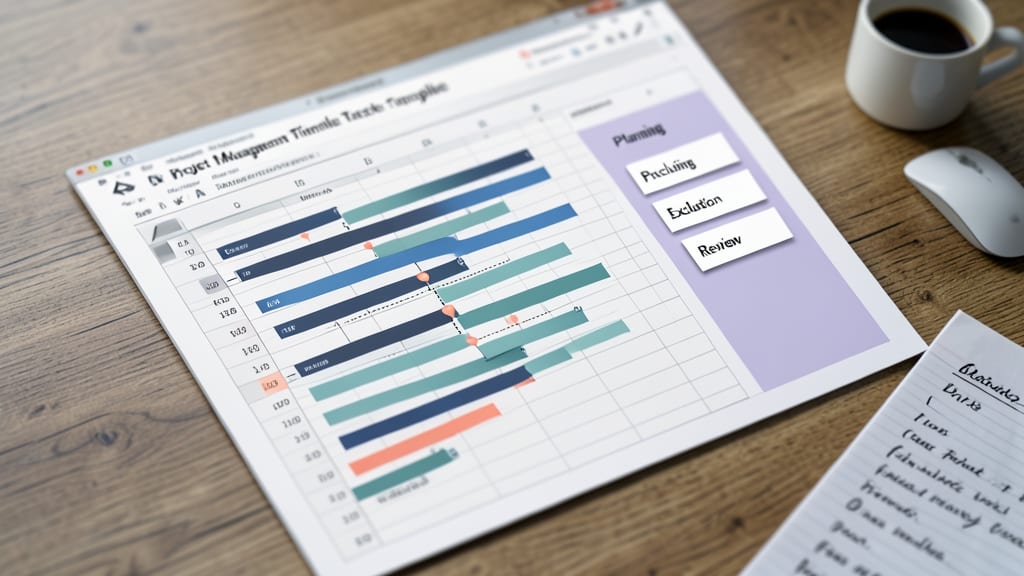
Struggling to keep projects on track without missing deadlines? A Project Management Timeline Tracker template transforms chaotic to-do lists into clear, visual roadmaps using Gantt-style charts—perfect for solopreneurs and small teams.
This template lets you map out task dependencies, set milestone deadlines, and track progress with color-coded bars. Drag-and-drop functionality adjusts timelines in real time, while automated alerts notify you of delays. Compatible with Excel 2016 and later, it works seamlessly on both Windows and Mac.
Ideal for freelancers, agency owners, or anyone managing multiple projects, this tool replaces guesswork with structured planning—so you can focus on execution instead of organization. ✨
Client Contact Database Template
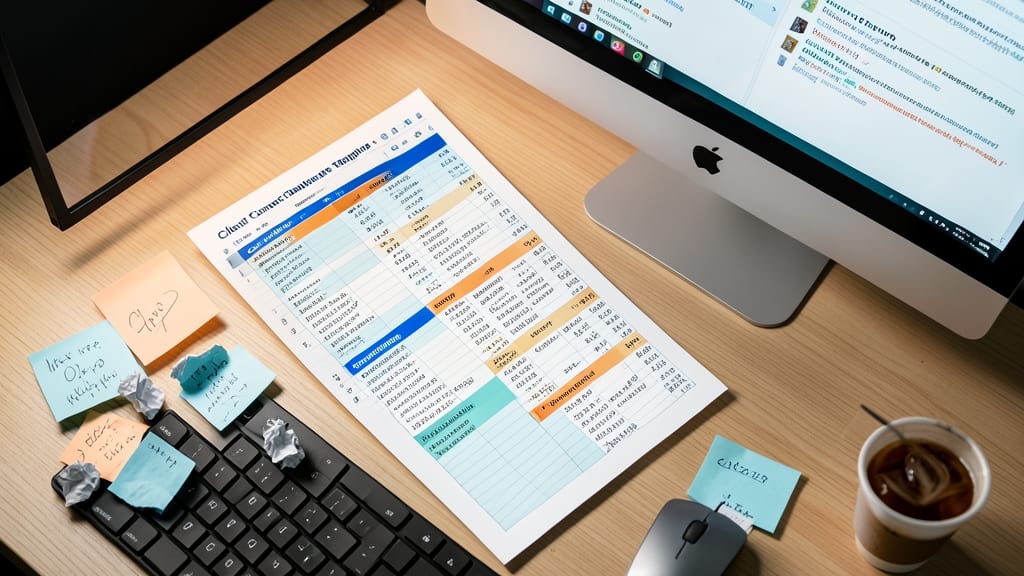
Forget fumbling through sticky notes or scattered emails—this Client Contact Database Template keeps every client detail in one searchable, organized hub. It’s packed with customizable fields for contact info, purchase history, and follow-up deadlines, so you never miss a beat during sales calls or service check-ins.
The template includes automated date reminders for follow-ups, a notes section for meeting details, and even a purchase history tracker to spot trends. Compatible with Excel 2016 and later, it syncs seamlessly across devices and lets you export data to CRM tools like HubSpot or Salesforce later.
Perfect for freelancers, consultants, or small agencies juggling multiple clients—this template turns chaos into clarity in minutes. 💻
Expense Receipt Organizer Template
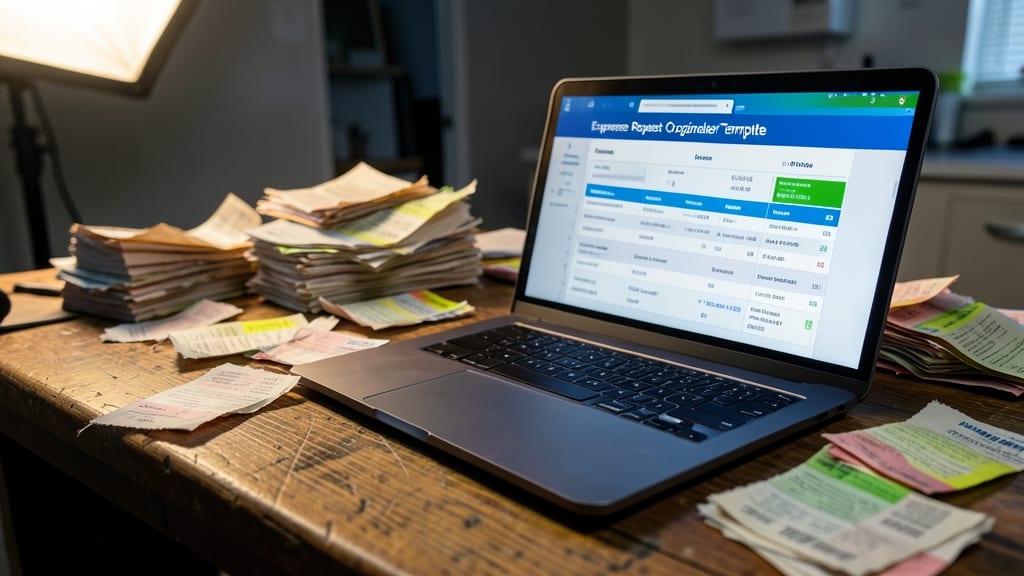
Drowning in paper receipts that pile up faster than you can file them? The Expense Receipt Organizer Template turns chaos into clarity by scanning, categorizing, and digitizing every transaction—no manual entry required.
This template includes OCR (Optical Character Recognition) support to extract text from scanned receipts, auto-populate fields like vendor, date, amount, and expense type, and even generate monthly summaries for tax prep. The drag-and-drop category system lets you classify spending (e.g., "Office Supplies," "Travel," "Equipment") in seconds, while built-in conditional formatting highlights over-budget categories.
Perfect for freelancers, consultants, or small business owners who hate sifting through shoeboxes at tax time. Download it once and never lose a deduction again. ✨
Social Media Content Calendar
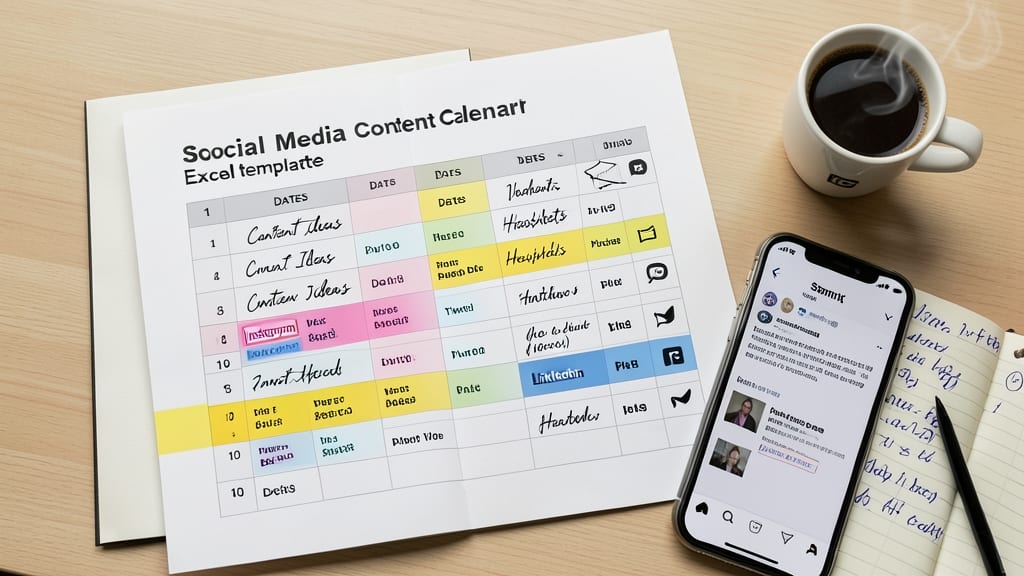
If you’re drowning in last-minute social media posts or forgetting deadlines across platforms, this Social Media Content Calendar template is your lifesaver. Designed specifically for marketers and small business owners, it consolidates all your posting needs—dates, content ideas, hashtags, and platform-specific details—into one organized spreadsheet.
The template includes customizable columns for post type (e.g., promo, blog, user-generated), platform (Instagram, LinkedIn, Twitter), and even a "status" tracker to mark published or scheduled content. With pre-built formulas for recurring posts and a visual timeline view, you’ll never miss a deadline again. Plus, it’s fully compatible with Excel for Windows and Mac, so you can access it anywhere.
Perfect for solopreneurs, agencies, or teams managing multiple accounts, this template turns chaos into a structured workflow—so you can focus on creating great content instead of scrambling to post it. ✨
Break-Even Analysis Calculator
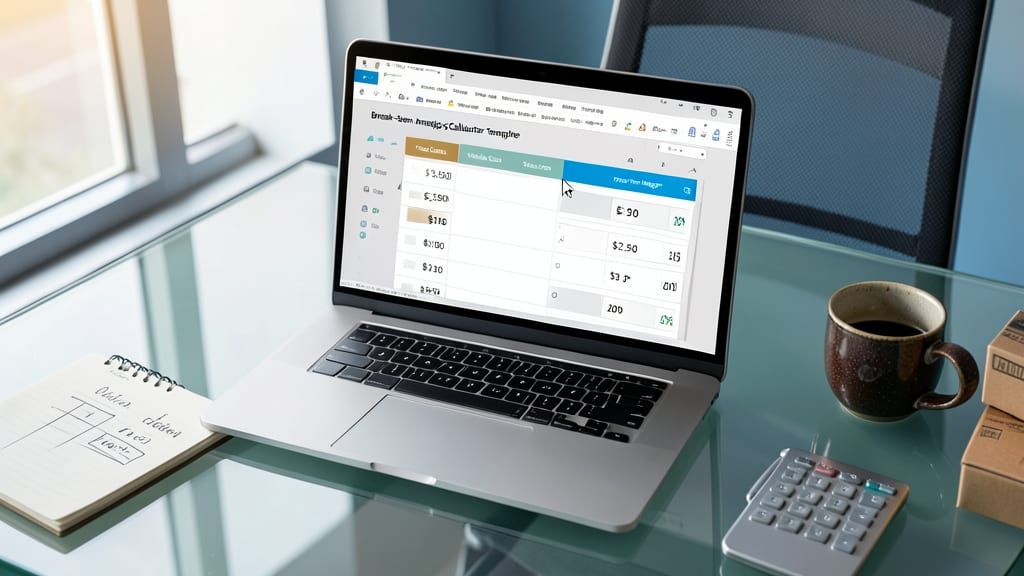
Struggling to price your product or service without guessing? The Break-Even Analysis Calculator template lets you input fixed costs (like rent or software), variable costs (per-unit expenses), and your target profit margin to instantly see how many sales you need to break even.
With pre-built formulas, you’ll visualize the exact sales volume required to cover costs and start turning a profit—no advanced Excel skills needed. The template also includes a profit-loss graph to show how pricing adjustments impact your bottom line, making it ideal for product launches or service-based businesses.
Perfect for solopreneurs and small teams testing new offerings or adjusting pricing strategies. Download it to eliminate the guesswork and make data-driven decisions. ✨
Meeting Agenda and Minutes Template
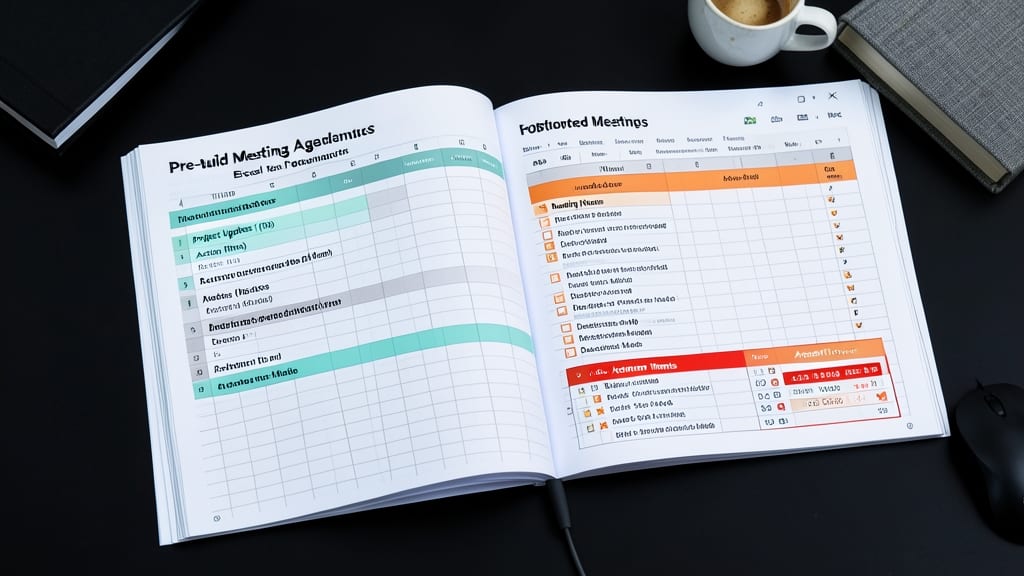
Tired of meetings that spiral into chaos or end with forgotten action items? A Meeting Agenda and Minutes Template keeps your team on track with structured agendas, time slots, and clear follow-up tasks—all in one place.
This template includes a pre-built agenda section with time allocations, a dedicated minutes area for notes and decisions, and a follow-up tracker to assign owners and deadlines. The color-coded priority system highlights urgent items, while the built-in reminders ensure nothing slips through the cracks. Best of all, it’s fully customizable for virtual or in-person meetings.
Perfect for managers, team leads, or anyone hosting regular meetings—whether it’s a quick stand-up or a strategic planning session. No more wasted time or missed commitments. ✨