
PowerPoint
High school students need practical skills to stand out in college applications and future careers. These seven Microsoft Office PowerPoint projects teach real-world presentation skills while building portfolios that impress teachers and admissions committees alike.
Personal Branding Portfolio Presentation
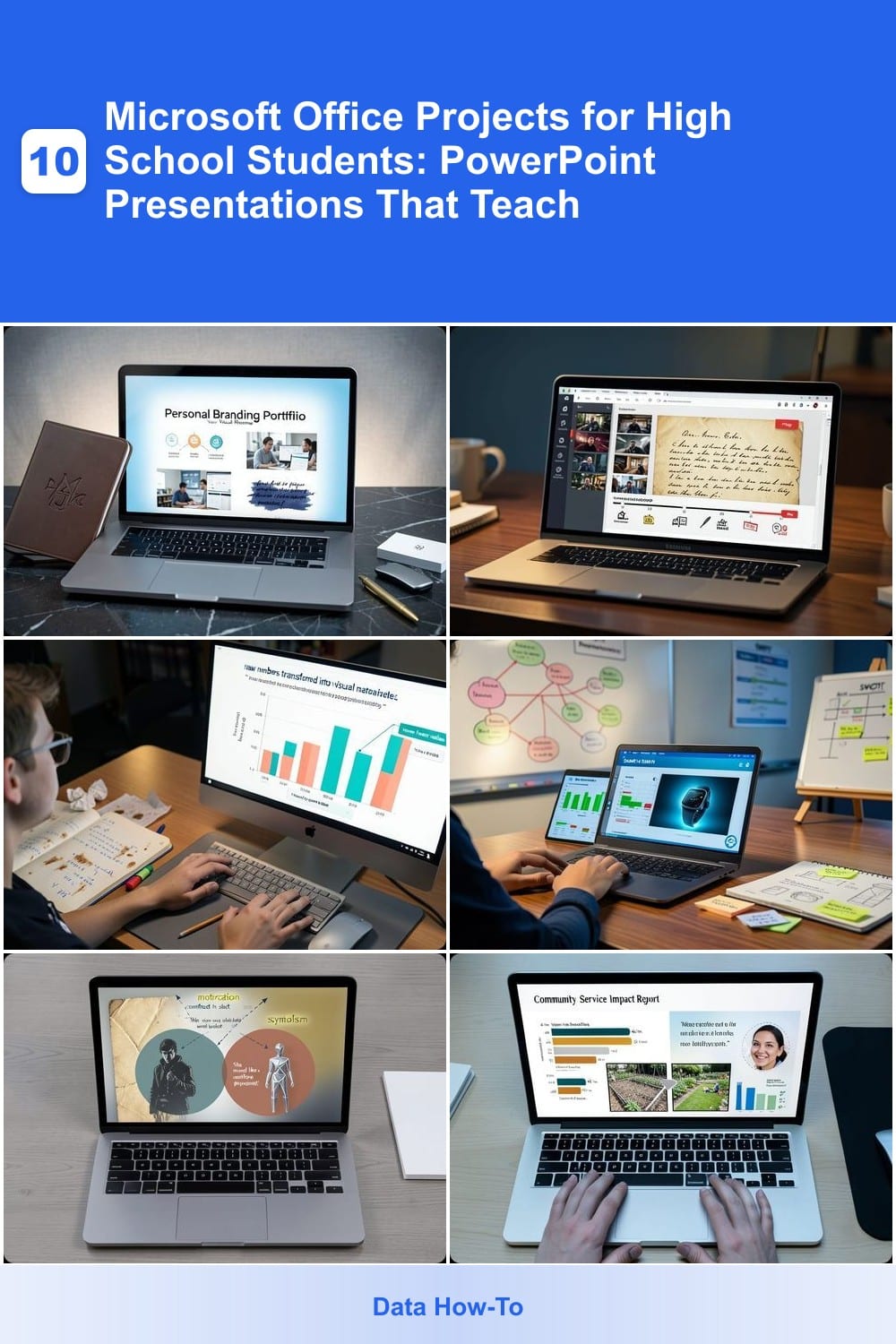
Stand out in college applications and job interviews with a Personal Branding Portfolio Presentation—your visual resume that tells your story better than words alone. This isn’t just another school project; it’s a polished, professional showcase of your skills, passions, and future goals, designed to leave a lasting impression on admissions officers or hiring managers.
Start with a clean, modern template (like the Mornington or Faculty design in PowerPoint) and add a professional headshot alongside a timeline of your achievements—academic, extracurricular, or personal. Use SmartArt graphics to visualize skills (e.g., coding, leadership, or design) and embed a short video (recorded with your phone) introducing yourself. The Morph transition can animate your career goals into a dynamic "roadmap," while color-coded sections keep the design cohesive and engaging.
This project is perfect for high school seniors applying to colleges or students prepping for internships. It’s the kind of portfolio piece that turns a generic application into a memorable, interactive experience—proving you can communicate your strengths visually. ✨
Historical Event Multimedia Timeline
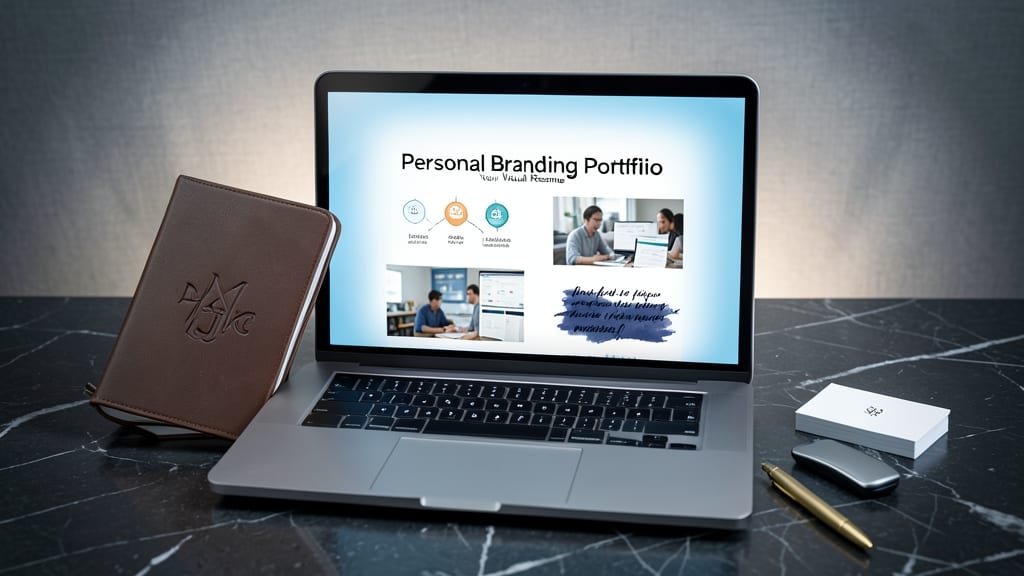
Bring history to life with a Historical Event Multimedia Timeline—a project that merges research, design, and storytelling into one dynamic PowerPoint creation. Instead of static text, you’ll craft an interactive experience where students can click through embedded videos, zoom into primary source images, and follow key events in chronological order.
Start by organizing your timeline using PowerPoint’s built-in timeline template, then embed YouTube clips (like speeches or reenactments) and high-resolution images (from archives or your own photos). Use Morph transitions to smoothly animate between eras, and add hyperlinks to external sources for deeper dives. The Design tab lets you match the aesthetic to the period—think sepia tones for the 1920s or bold contrasts for the Civil Rights Movement.
This project is ideal for history buffs, social studies classes, or students prepping for competitions like National History Day. It’s the perfect way to showcase research skills while making dry facts unforgettable—just like stepping into a museum exhibit. ✨
Science Experiment Data Visualization
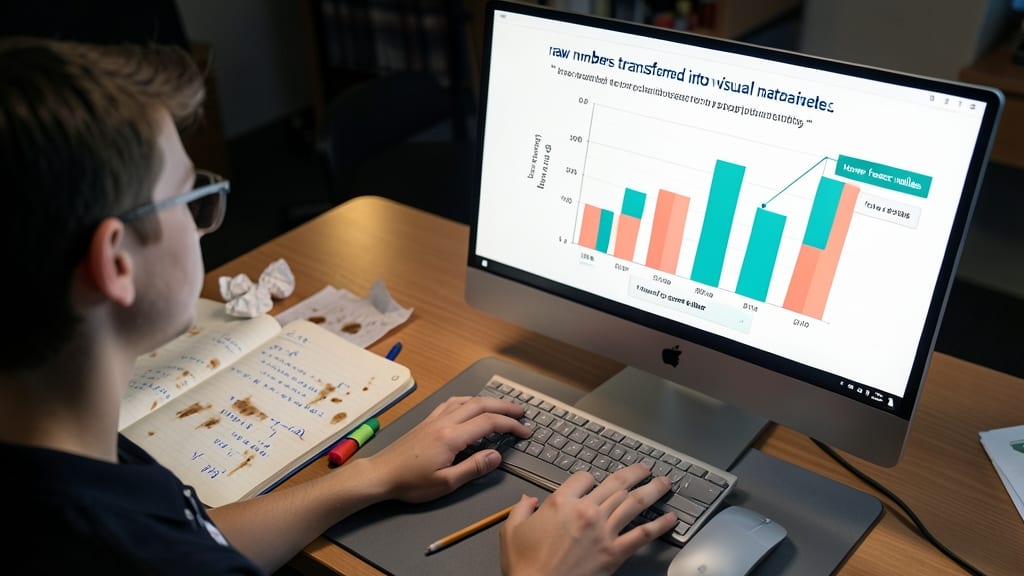
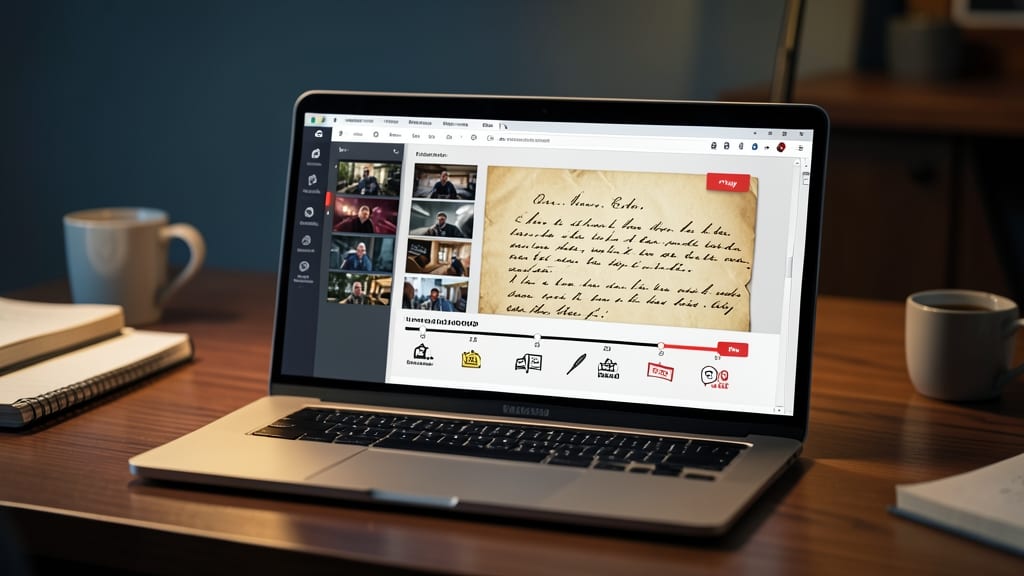
Turn messy lab notebooks into stunning visual stories with PowerPoint’s built-in data tools. Instead of drowning in raw numbers, STEM students can transform experimental results into interactive bar charts, line graphs, and pie charts—perfect for science fairs or research reports.
Start by importing data from Excel spreadsheets directly into PowerPoint, then use SmartArt graphics to compare variables. Add trend lines to highlight patterns, and embed photos of your lab setup for context. The Animation Pane lets you make graphs update dynamically during presentations, keeping audiences engaged.
This project is ideal for chemistry, biology, or physics students preparing for competitions or college applications. By mastering these skills, you’ll stand out when presenting research—whether to teachers, judges, or future employers. 💡
Business Plan Pitch for Student Entrepreneurs
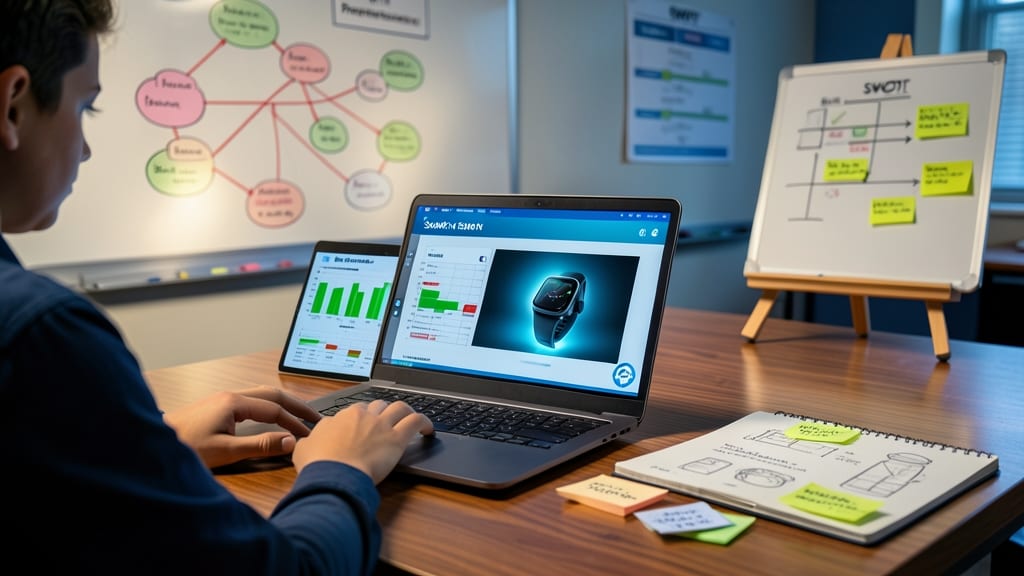
Turn your classroom ideas into a Shark Tank-worthy pitch deck with this hands-on business project. Instead of just reading about entrepreneurship, you’ll design a 10-15 slide PowerPoint pitch for a hypothetical startup—complete with market research, financial projections, and a mock product demo.
Use PowerPoint’s Morph transitions to animate your pitch flow, embed a fake product mockup (created in Canva or even hand-drawn), and practice your elevator pitch with the Presenter Coach feature. The goal? Convince a panel of teachers or peers to "invest" in your idea—just like real entrepreneurs.
Perfect for DECA club members, future business majors, or students planning a lemonade stand empire. This project builds confidence in public speaking, financial literacy, and creative problem-solving—all while making your resume shine. ✨
Literary Analysis with Character Comparison
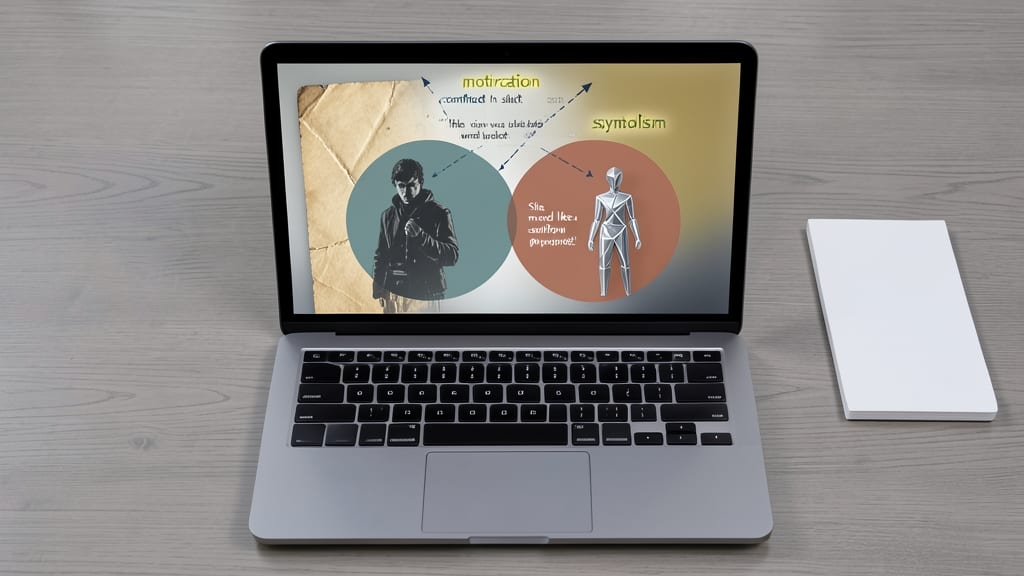
Struggling to analyze book characters beyond surface-level descriptions? Turn literary criticism into an interactive experience by comparing two characters through visual metaphors and textual evidence—all in PowerPoint.
Use Venn diagrams to highlight shared traits, quote callouts to emphasize key moments, and character portraits (created with PowerPoint’s SmartArt or imported images) to reinforce visual storytelling. Add color-coded themes (e.g., red for ambition, blue for loyalty) to make patterns pop. The Morph transition can even simulate character growth between scenes.
English students will love this project for AP Lit essays or class discussions, while teachers can repurpose the slides for group activities. Perfect for dissecting Romeo and Juliet’s star-crossed lovers or 1984’s Winston vs. O’Brien. ✨
Community Service Impact Report
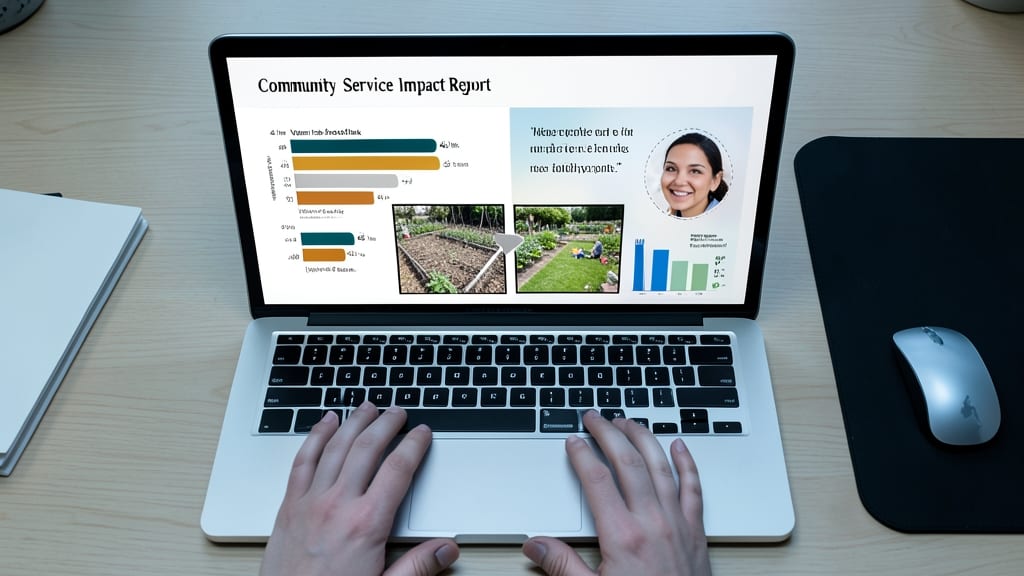
Turn your volunteer hours into a compelling narrative with a Community Service Impact Report—a PowerPoint project that goes beyond simple resumes. This presentation transforms raw service data into a persuasive story using side-by-side comparisons, testimonials, and data-driven visuals to showcase real change.
Use before/after slides to highlight improvements (e.g., "50% increase in community garden participation"), embed short video clips of volunteers in action, and incorporate statistical charts (like bar graphs for hours served vs. impact metrics). The Morph transition in PowerPoint can even animate progress visually—perfect for grabbing attention during college interviews.
Ideal for students applying to leadership programs or scholarships, this project doubles as a portfolio piece that demonstrates both compassion and presentation skills. Colleges love seeing initiative paired with storytelling prowess! ✨
Future Career Exploration Infographic
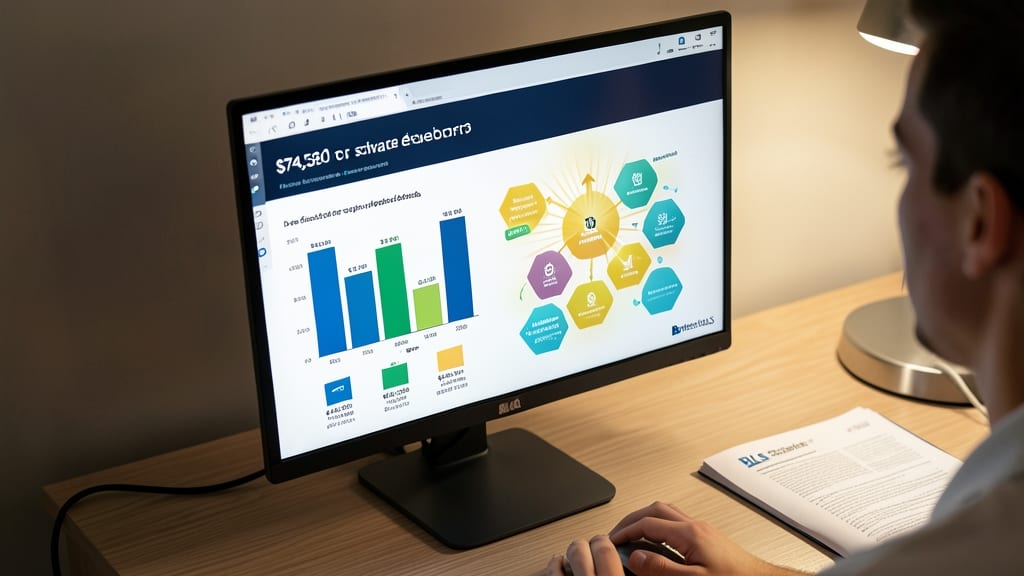
Ever wondered what your dream job actually pays—or how to get there? This Future Career Exploration Infographic project turns research into a dynamic visual tool, combining real-time salary data from sources like the Bureau of Labor Statistics with job growth projections and skill requirements.
Start by embedding interactive charts (using PowerPoint's built-in tools) to compare salaries across fields, then layer in icons for required degrees or certifications. Add hyperlinks to job boards or training programs for a clickable experience. The result? A one-page portfolio piece that showcases research skills while helping you visualize your future path.
Perfect for students unsure about majors or anyone preparing for college applications—this project proves you can make data engaging while exploring career options. ✨