
Software
Microsoft SQL Server Management Studio (SSMS) has evolved significantly since its debut, introducing powerful features that streamline database management. This timeline explores 10 key versions, highlighting their major upgrades and how they transformed database administration for developers and IT professionals.
SQL Server 2005 Management Studio Initial Release
Say goodbye to clunky Enterprise Manager—SQL Server 2005 Management Studio (SSMS) marked the debut of a standalone, unified interface that finally gave developers and DBAs a cohesive workspace. This was Microsoft’s bold leap forward, replacing outdated tools with a modernized environment tailored for SQL Server 2005.
Key highlights included Visual Studio integration, letting developers leverage familiar IDE features like IntelliSense for SQL queries. The interface consolidated core tasks—query execution, schema management, and security settings—into one streamlined tool, while supporting SQL Server 2005’s new features like CLR integration and XML data types. It also introduced the Object Explorer, a game-changer for navigating databases visually.
Perfect for teams migrating from older SQL Server versions or Visual Studio 6.0-era tools, this release bridged the gap between legacy systems and modern development workflows. ⚡
SQL Server 2008 R2 Enhanced Query Designers
Tired of manually scripting schema changes in SQL Server 2005? SQL Server 2008 R2 revolutionized database design with its visual table designer and PowerShell integration, turning complex schema modifications into a point-and-click experience.
The enhanced table designer introduced drag-and-drop foreign key relationships, color-coded columns, and inline constraint editing—features that saved DBAs hours of manual T-SQL scripting. Meanwhile, PowerShell 2.0 support let administrators automate schema deployments across enterprise environments, reducing human error in critical production updates. These improvements made SQL Server 2008 R2 the go-to for teams managing large-scale schemas.
Perfect for database administrators juggling complex enterprise schemas, this version bridged the gap between visual design and automation—ideal for organizations transitioning from older tools to more efficient workflows. 💻
SQL Server 2012 Contained Databases Support
If you’ve ever struggled with moving databases between development, testing, and production environments, SQL Server 2012 introduced a game-changing feature: contained databases. This was the first version to let you package databases with their own logins, schemas, and configurations—eliminating the need to rely on server-level settings.
The contained database feature works by isolating database dependencies, so you can deploy a database to any SQL Server 2012+ instance without worrying about server logins or linked configurations. This was especially valuable for DevOps teams, as it simplified CI/CD pipelines and reduced deployment complexity. The feature also supported partial containment, allowing you to choose between user-defined and system-defined logins.
This upgrade was a lifesaver for developers and DBAs managing multiple environments, cutting down on setup time and reducing errors in migrations. DevOps teams using automated deployment tools saw immediate benefits from this portability. ✨
SQL Server 2014 In-Memory OLTP Improvements

High-transaction systems often feel like a bottleneck—until SQL Server 2014 introduced In-Memory OLTP (Online Transaction Processing) with game-changing performance monitoring tools. This wasn’t just another speed bump; it was a full rewrite of how transaction processing handled memory, reducing latency for critical workloads by up to 10x compared to traditional disk-based operations.
The real breakthrough? Built-in performance dashboards that let you monitor memory usage, lock contention, and transaction throughput without rewriting code. Features like memory-optimized tables and natively compiled stored procedures made it trivial to offload high-frequency operations (think banking systems or inventory tracking) to RAM. Plus, the SQL Server Profiler integration gave you granular insights into bottlenecks—no guesswork required.
This upgrade was a lifesaver for finance teams managing real-time transactions or retailers processing thousands of orders per second. If your app struggles with slow transaction speeds, In-Memory OLTP in SSMS 2014 might be your unsung hero. ⚡
SQL Server 2016 Always Encrypted Feature
If compliance and data security were once a headache for database administrators, SQL Server 2016's Always Encrypted feature changed the game entirely. Designed specifically for industries like healthcare and finance, this innovation shifted encryption responsibilities to the client side—meaning sensitive data stays encrypted even when processed by the server.
The feature supports column-level encryption with minimal performance overhead, using AES 256-bit encryption by default. Developers could enable it with simple T-SQL commands like ALTER TABLE without needing deep cryptography knowledge. Compliance teams loved how it simplified audits by ensuring data remained encrypted throughout its lifecycle, from storage to query execution.
This was the go-to solution for organizations handling PHI (Protected Health Information) or PCI DSS data, offering a balance of security and usability that previous versions lacked. 🔧
SQL Server 2017 Linux Support Integration
Breaking free from Windows-only limitations, SQL Server 2017 became the first version to run natively on Linux, a game-changer for teams already invested in open-source ecosystems. This wasn’t just about compatibility—Microsoft reworked the core engine to support Linux’s file systems, security models, and networking stacks, ensuring seamless integration with containers and cloud deployments.
The update introduced Docker container support for SQL Server, letting you spin up instances in seconds, and added Linux-specific performance optimizations like improved I/O handling for SSDs. Tools like SSMS 17.x (released alongside) gained native Linux connection capabilities, though Windows remained the primary development platform. For the first time, DBAs could manage SQL Server instances directly from Ubuntu, Red Hat, or SUSE without workarounds.
This version was a lifesaver for organizations adopting hybrid cloud strategies, especially those using Azure alongside on-premises Linux servers. If you’re running mixed environments or exploring Kubernetes-based deployments, SQL Server 2017’s Linux support was the bridge you needed. ✨
SQL Server 2019 Intelligent Query Processing
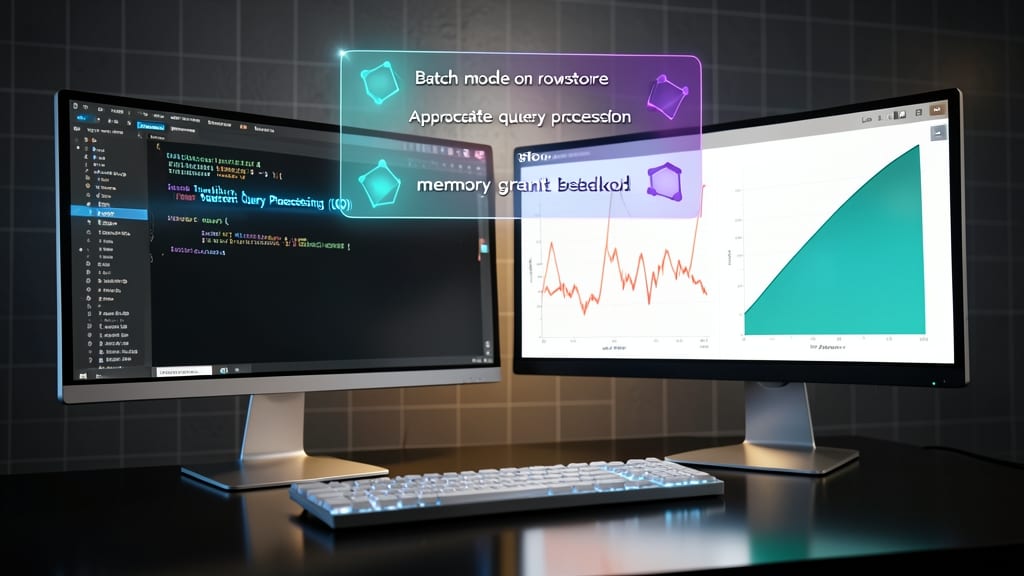
Tired of manually tuning queries that drag down your analytical workloads? SQL Server 2019’s Intelligent Query Processing (IQP) automates optimizations, cutting down on the guesswork for complex queries—whether you're running on Azure SQL Database or on-premises.
This feature introduces three key optimizations: batch mode on rowstore for faster scans, memory grant improvements to prevent resource bottlenecks, and auto-parameterization to handle ad-hoc queries efficiently. The Query Store now tracks IQP’s impact, letting you verify performance gains without diving into execution plans.
Perfect for data analysts and DBAs managing large-scale reporting or machine learning workloads, IQP shaves hours off tuning cycles while maintaining consistency. ⚡
SQL Server 2022 PolyBase Query Enhancements
If you’ve ever struggled with ETL pipelines just to analyze data in a lake, SQL Server 2022’s PolyBase enhancements change the game. This version lets you query external data sources—like Parquet, CSV, or JSON files—directly from SSMS, treating them like native tables without moving or transforming the data first.
The new PolyBase Query Service supports federated queries across SQL Server and external storage (Azure Blob, AWS S3, or even on-prem Hadoop), with zero-configuration setup for common file formats. You also get partition elimination for large datasets, meaning queries run faster by ignoring irrelevant data blocks. Plus, T-SQL integration means you write queries exactly as you would for relational tables.
This is a game-changer for data engineers and analysts working with hybrid data architectures, where cloud storage meets SQL Server. No more waiting for ETL jobs—just point, query, and analyze. ✨
SSMS 18.0 Azure Synapse Integration
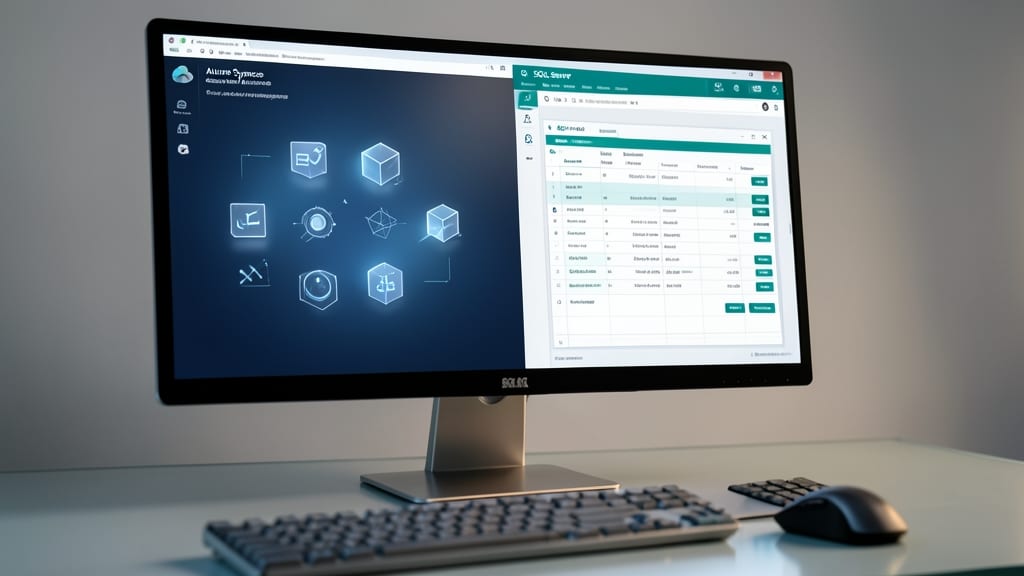
If you’re juggling traditional SQL Server and modern cloud data warehouses, SSMS 18.0 finally closes the gap with native Azure Synapse workspace management. This was the first standalone SSMS update to let you manage Synapse workspaces directly from the familiar interface, eliminating the need to switch between tools.
With this version, you gain direct access to Synapse Studio for creating and monitoring Synapse SQL pools, while keeping all your SQL Server management tools in one place. The integration supports T-SQL scripting for Synapse SQL pools and query execution across both environments, making it ideal for hybrid data strategies. Plus, it includes enhanced security policies for managing Synapse resources alongside your on-premises databases.
This update is a game-changer for data engineers and DBAs transitioning from SQL Server to Azure Synapse. It’s also perfect for organizations using hybrid cloud architectures, as it streamlines workflows without requiring separate tooling. ✨
SSMS 19.0 Modern UI Redesign
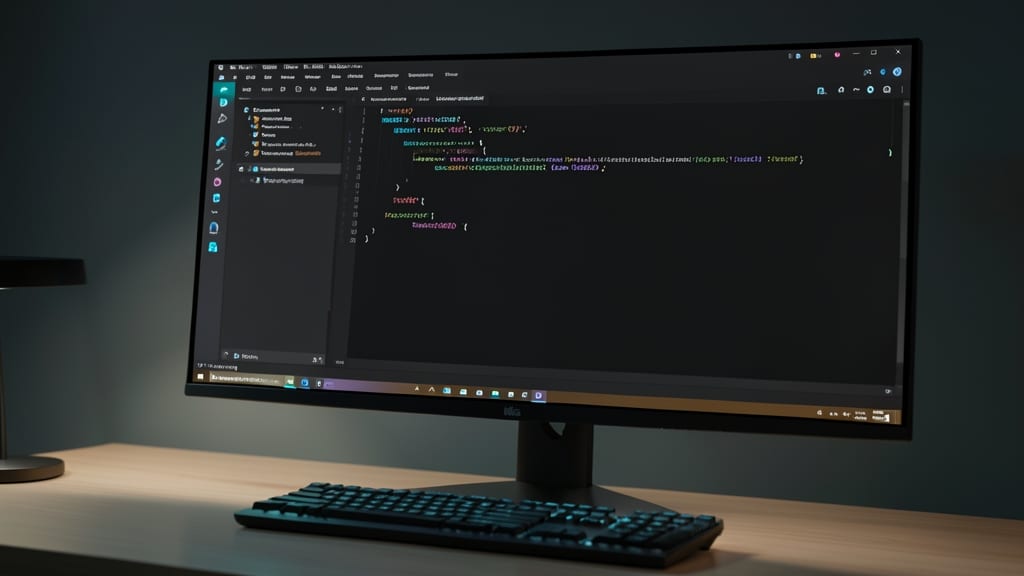
Tired of squinting at bright interfaces while debugging complex queries? SSMS 19.0 finally addresses developer complaints with a modern UI overhaul—including native dark mode support and a refreshed query editor that reduces eye strain during all-night debugging sessions.
The updated interface introduces tabbed query windows, improved syntax highlighting, and customizable toolbars to streamline workflows. Dark mode isn’t just aesthetic—it’s a productivity booster for teams working in low-light environments. Plus, the simplified navigation reduces context-switching time, making it ideal for large-scale projects where every second counts.
Perfect for database administrators and developers managing enterprise systems, this version ensures a smoother experience without sacrificing functionality. ⚡