
Software
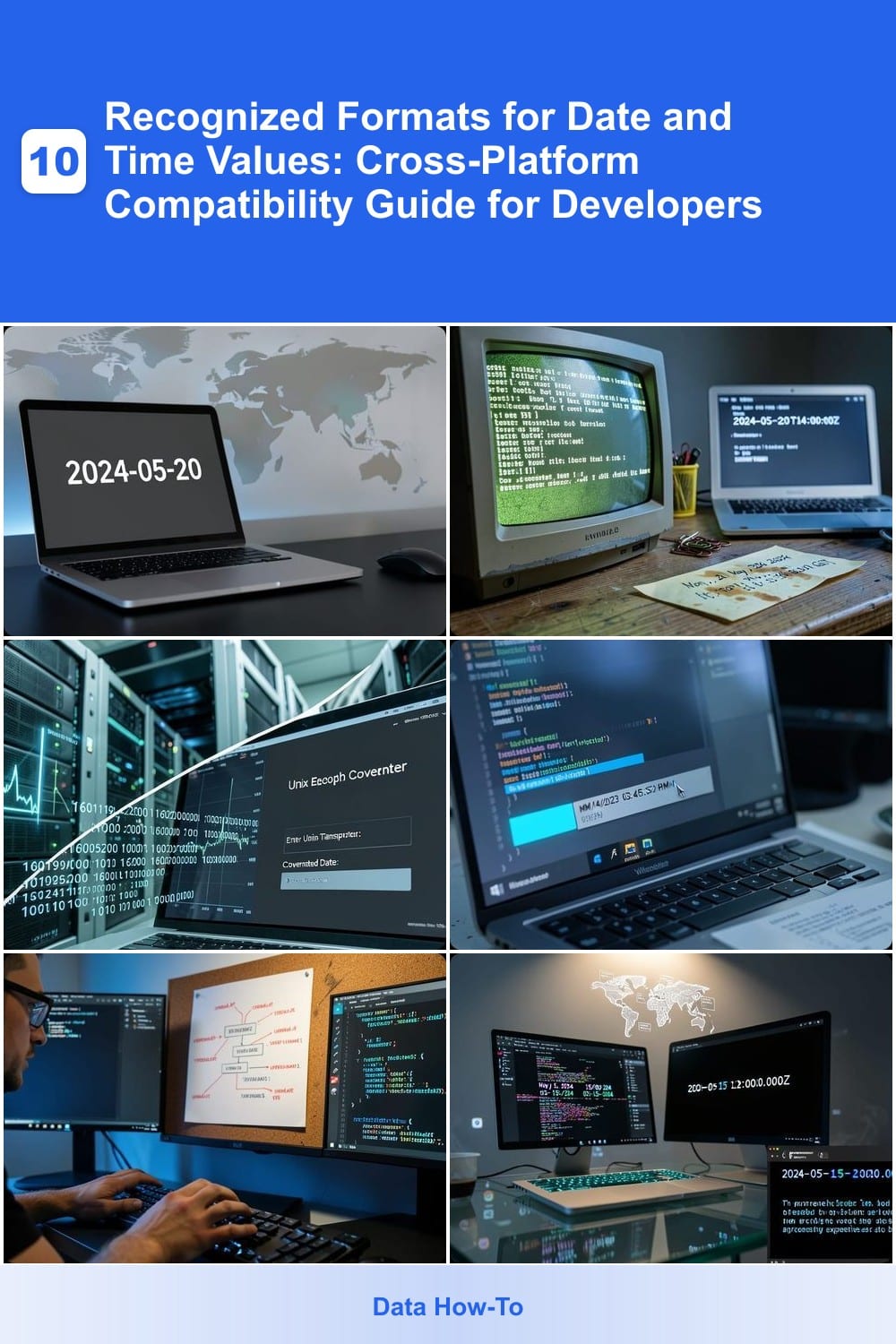
Developers and data professionals often struggle with inconsistent date and time formats across platforms. This guide covers the most widely recognized formats to ensure seamless cross-platform compatibility in your applications, APIs, and databases.
ISO 8601 Standard Format for Dates
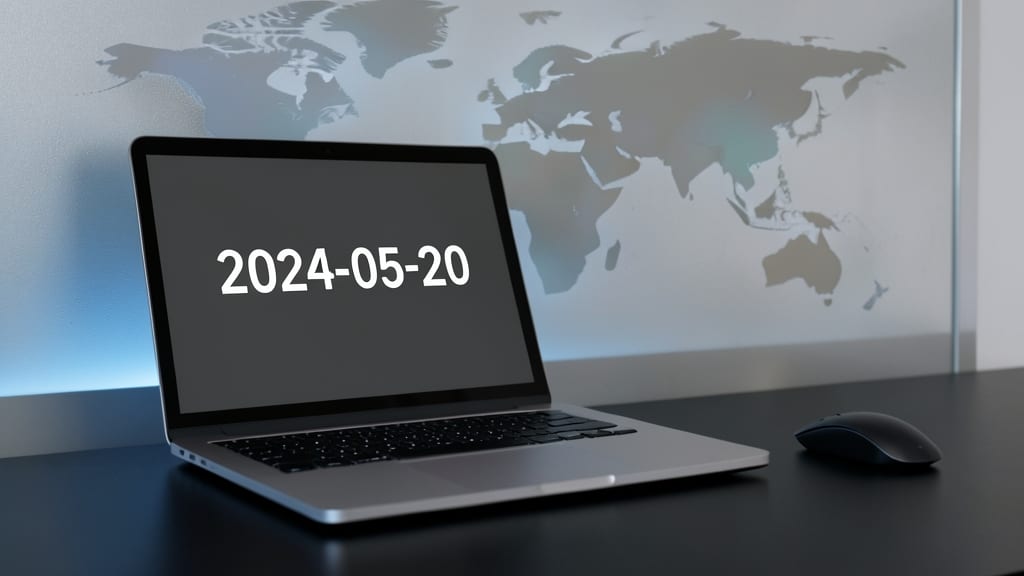
When building applications that need to speak the same language worldwide, the ISO 8601 format is the undisputed champion. Its YYYY-MM-DD structure isn’t just a convention—it’s a globally adopted standard that eliminates ambiguity by always listing years first, ensuring dates like 2024-05-20 sort correctly in databases, APIs, and logs.
Beyond basic dates, ISO 8601 supports time zones (e.g., 2024-05-20T14:30:00+05:30), fractional seconds, and even week-based calendars. This makes it ideal for international APIs, financial systems, and scientific data, where precision and consistency are non-negotiable. Libraries across every major language—Python, Java, JavaScript—support it natively, reducing parsing errors and development headaches.
Perfect for global teams, SaaS developers, and data engineers, ISO 8601 is the safe bet for any system that needs to handle dates without confusion. ⚡
RFC 2822 Email Date-Time Format

Ever sent an email only to realize the timestamp in the header looked like it came from a 1990s server log? That’s likely RFC 2822—the battle-tested format behind email headers (e.g., 'Mon, 20 May 2024 14:30:00 GMT'). Unlike modern ISO 8601, this format prioritizes human readability while maintaining backward compatibility with legacy systems, making it the default for SMTP servers and HTTP headers.
The format’s structure—day, date month year HH:MM:SS timezone—is designed for parsing by older systems, but it’s still widely used today in email APIs, logging frameworks, and web protocols. Tools like Postman and cURL automatically convert timestamps to RFC 2822 for HTTP requests, ensuring seamless integration with legacy infrastructure. Even modern APIs often accept it as a fallback.
Perfect for developers working with email systems, HTTP APIs, or legacy integrations, RFC 2822 remains a reliable choice when you need to communicate with older systems without sacrificing compatibility. 💻
Unix Timestamp (Epoch Time) for Databases

When your database needs to crunch numbers at lightning speed, Unix timestamps (seconds since 1970-01-01) are the unsung hero. Unlike human-readable formats, this numeric format lets databases sort, compare, and calculate dates with zero ambiguity—critical for high-frequency logging, analytics, and real-time systems.
The beauty lies in its simplicity: a single integer (e.g., 1716123456) represents a precise moment in time, making it perfect for indexing, caching, and mathematical operations. Most databases (PostgreSQL, MySQL) natively support it, and libraries like Python’s time.time() or JavaScript’s Date.getTime() convert effortlessly. For example, 1716123456 equals May 20, 2024, 14:30:56 UTC—no parsing needed.
Ideal for devops teams, data engineers, and performance-critical apps, Unix timestamps eliminate timezone headaches and reduce storage overhead. Perfect for tracking events, session durations, or system logs where speed trumps readability. ⚡
Windows File System Date Format
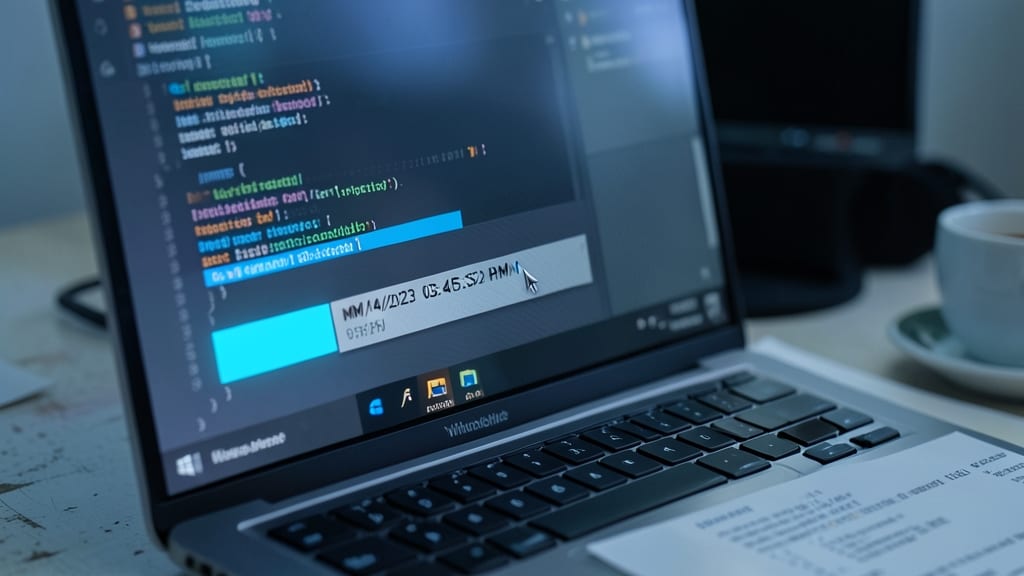
When working with Windows file systems, the MM/DD/YYYY HH:MM:SS AM/PM format isn’t just a preference—it’s a requirement. This format ensures seamless integration with Windows APIs, file metadata operations, and legacy applications, preventing parsing errors or data corruption.
The format’s structure—like 05/20/2024 02:30 PM—aligns with how Windows Explorer, PowerShell, and even older software like Access or Visual Basic handle timestamps. It’s also the default for file properties (e.g., creation/modified dates), making it critical for scripts that interact with the file system or process metadata programmatically.
Developers maintaining Windows-based systems or working with legacy codebases will find this format indispensable for batch processing, backups, or automation tasks where file timestamps must remain consistent. 💻
MySQL Date and Time Functions

If you're working with MySQL databases, the right date-time format can make or break your queries. Unlike other systems, MySQL has built-in functions that prefer formats like 'YYYY-MM-DD HH:MM:SS' or 'YYYYMMDD'—these align perfectly with its native functions for filtering, sorting, and calculations.
MySQL's DATEFORMAT() and STRTODATE() functions handle these formats effortlessly, while WHERE clauses and ORDER BY operations perform optimally with them. For example, filtering records between two dates becomes as simple as WHERE createdat BETWEEN '2024-01-01' AND '2024-12-31'. This zero-config compatibility saves development time and reduces errors.
This format is ideal for developers building MySQL-backed applications, especially those requiring complex date-based analytics or reporting. ⚡
JavaScript Date Object Methods
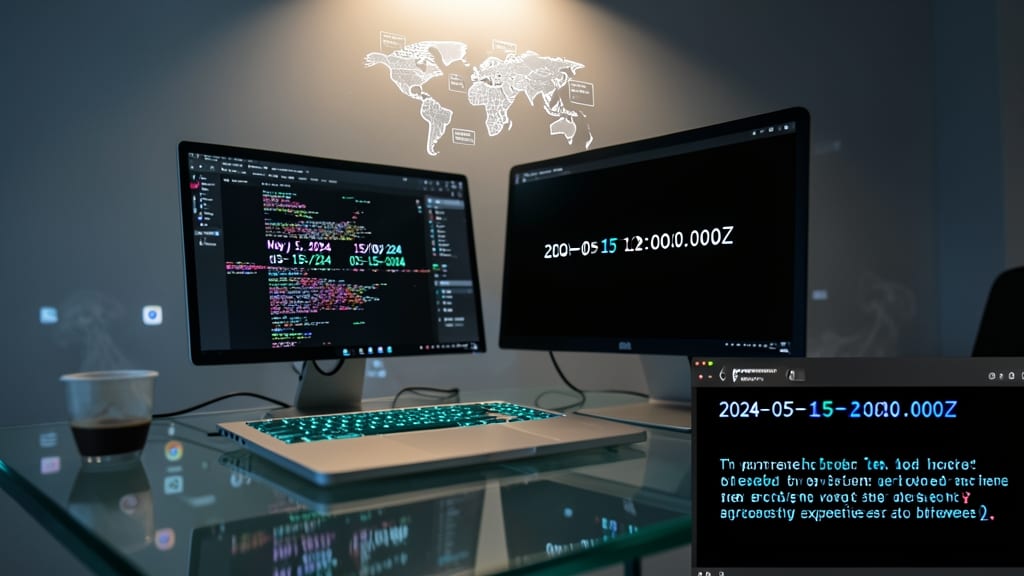
Front-end developers know that inconsistent date handling can break user experiences across browsers and frameworks. JavaScript’s Date Object Methods provide the consistency you need—whether you’re building a global app or a simple timer.
Use toISOString() for standardized UTC output (e.g., "2024-05-20T14:30:00Z"), toLocaleString() for localized displays (e.g., "5/20/2024" or "20 mai 2024"), and getTime() for Unix timestamp conversions (milliseconds since 1970). These methods eliminate ambiguity and work seamlessly with APIs and databases.
Perfect for developers working with React, Angular, or vanilla JS—these methods ensure your timestamps render correctly everywhere, from dashboards to mobile apps. ✨
Excel-Compatible Date Formats
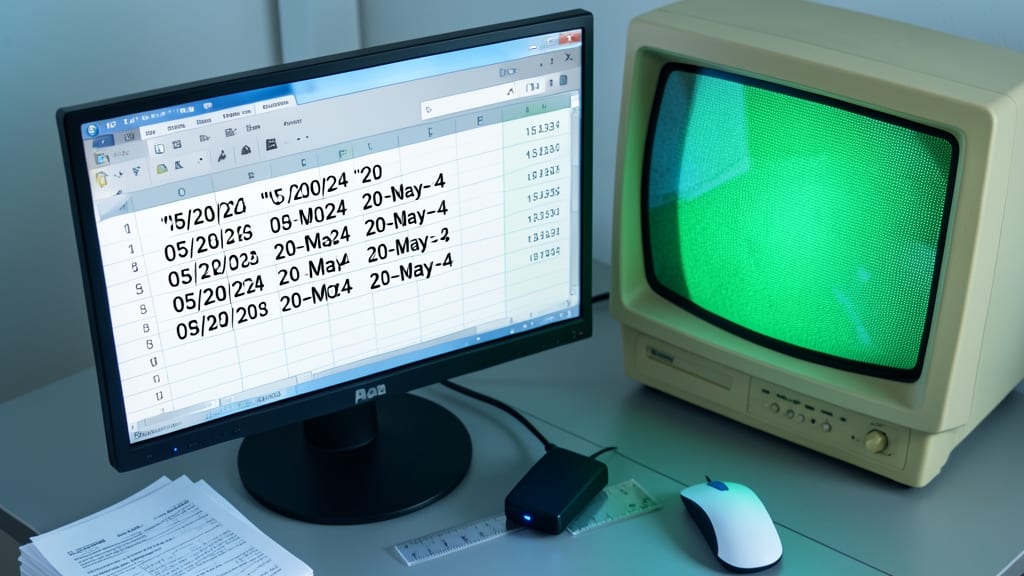
When sharing data between systems, Excel’s native date formats bridge the gap between spreadsheets and automated workflows. Formats like MM/DD/YYYY or DD-MMM-YY (e.g., 05/20/2024 or 20-May-24) are universally recognized by Excel, Google Sheets, and even legacy reporting tools. These formats avoid parsing errors during imports/exports, making them ideal for financial reports, HR records, or inventory logs.
Excel also supports custom formats like YYYY-MM-DD (ISO-compatible) or DD/MM/YYYY for international users, but the US-style MM/DD/YYYY remains the safest default for cross-platform compatibility. Tools like Power Query or VBA macros can automatically convert these formats, ensuring consistency across datasets.
Perfect for accountants, analysts, or developers working with spreadsheet-heavy workflows—these formats eliminate the "05/20/2024" vs. "20/05/2024" ambiguity that plagues global teams. ✨