
Software
Struggling to balance group projects, deadlines, and virtual classes? Microsoft Teams transforms how students collaborate, communicate, and stay organized—without overwhelming your tech skills. These 10 benefits show how this free tool can simplify your academic life and boost your grades effortlessly.
Seamless classroom communication with teachers
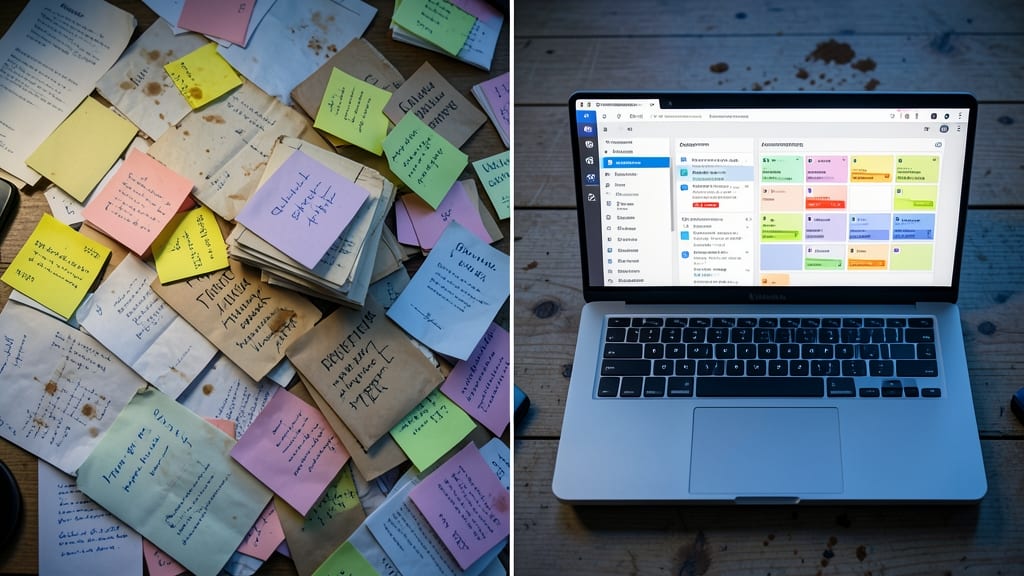
Tired of digging through a jungle of emails from different professors, each with their own deadlines and attachments? Microsoft Teams centralizes all classroom communication into one clean, searchable hub—so you never miss an announcement, assignment, or Q&A thread again.
The Classroom tab organizes each course with pinned announcements, file attachments, and direct messaging with instructors—all in one place. Need to ask a quick question? Skip the email chain and get answers faster with @mentions that notify professors instantly. The integrated calendar syncs deadlines directly to your schedule, while read receipts confirm when your classmates have seen important updates.
Perfect for busy students juggling multiple professors or hybrid courses—this feature turns academic chaos into a streamlined workflow. ⚡
Real-time group project collaboration
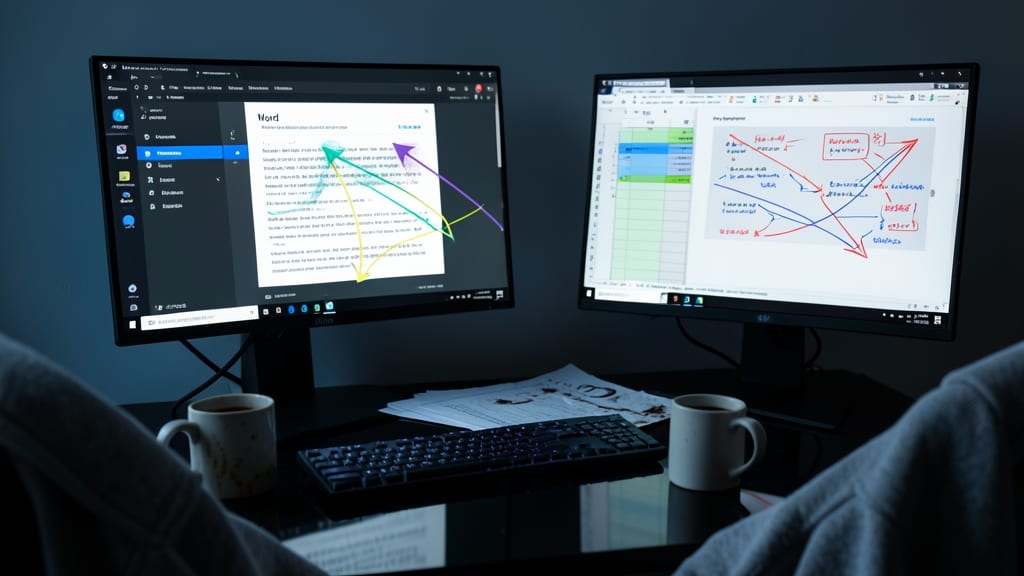
Late-night group project crunches just got easier with Microsoft Teams’ real-time co-authoring feature. Instead of emailing endless drafts or merging conflicting versions, your entire team can edit the same Word, Excel, or PowerPoint document simultaneously—no version control headaches.
The shared cursor shows everyone’s changes in real time, while @mentions tag teammates for quick feedback. Need to split tasks? Divide the doc with section comments or assign roles using permissions controls. Even better, the platform syncs with Office 365’s cloud autosave, so no work is ever lost if someone accidentally closes the file.
Perfect for STEM groups debugging code together or humanities teams editing research papers—this feature turns chaotic group work into a smooth, transparent process. No more "I thought you updated that section!" arguments. ✨
Virtual study group meetings
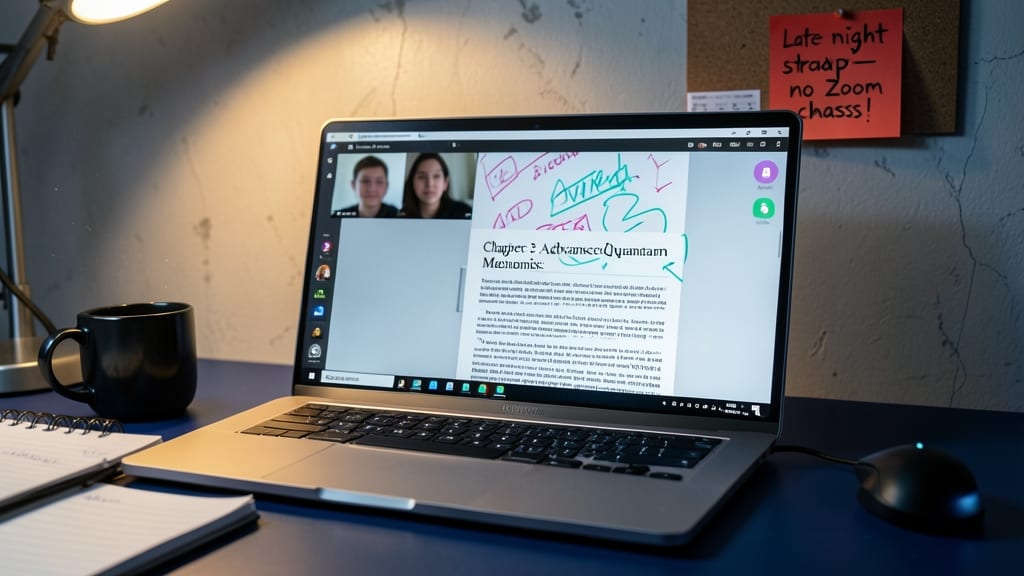
Tired of hunting down Zoom links or dealing with dropped calls during late-night study sessions? Microsoft Teams’ built-in video conferencing turns your laptop into a virtual study hall—no extra accounts or confusing links required.
With 4K video support, screen-sharing for presentations, and background blur to keep your dorm room tidy, Teams makes group study sessions smoother than ever. The whiteboard tool lets you sketch diagrams in real time, while breakout rooms help split into smaller discussion groups—perfect for international students coordinating across time zones or night owls syncing up after midnight.
This is your go-to for structured study sessions without the tech hassle. Whether you're reviewing notes with classmates or prepping for exams, Teams keeps everyone on the same page—literally. ✨
Organized assignment tracking
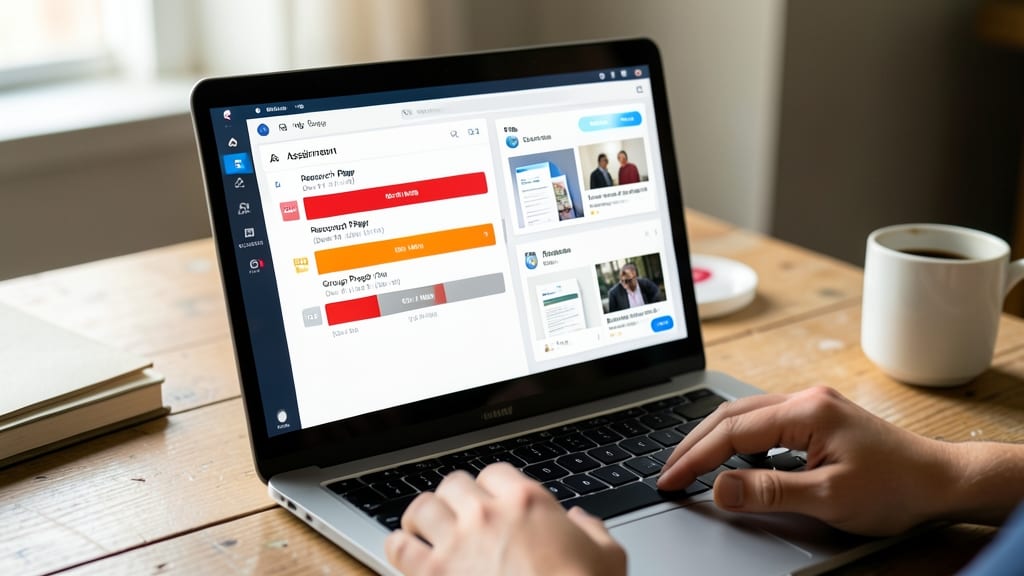
Forget scrambling to remember deadlines or digging through emails for lost assignments—Microsoft Teams’ built-in Assignment tab keeps everything in one place. The color-coded deadline system instantly highlights urgent tasks, while direct file uploads eliminate the "I forgot to attach that" panic before submission.
You can attach Word docs, PDFs, or even images directly to assignments, and the system syncs with your school calendar so nothing slips through the cracks. Procrastinators love the customizable reminders that pop up days before deadlines, while heavy workload students appreciate the ability to drag-and-drop files straight from their desktop.
Perfect for students juggling multiple classes or semesters—this feature turns chaos into clarity with minimal setup. ✨
Free access to Office 365 tools
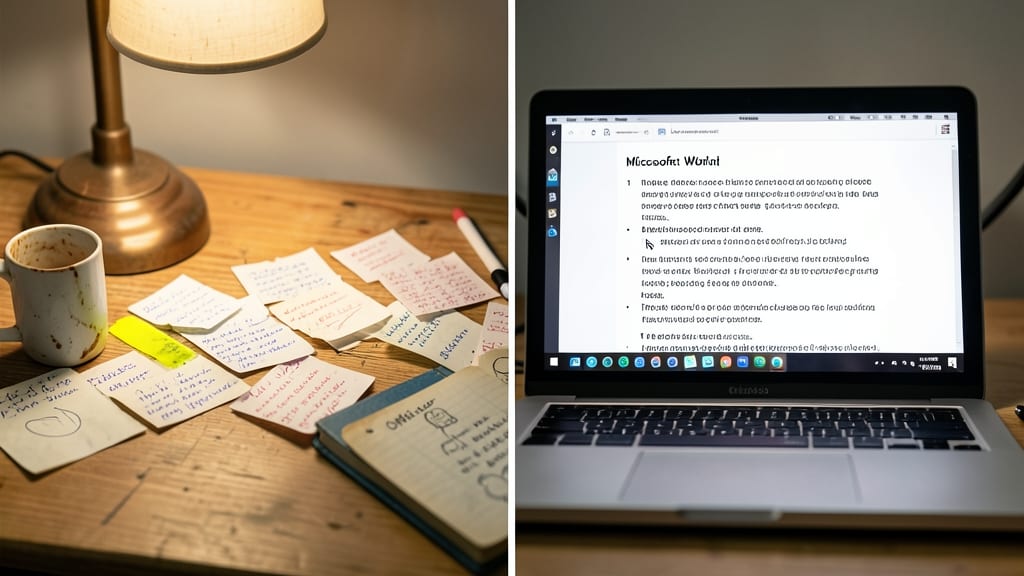
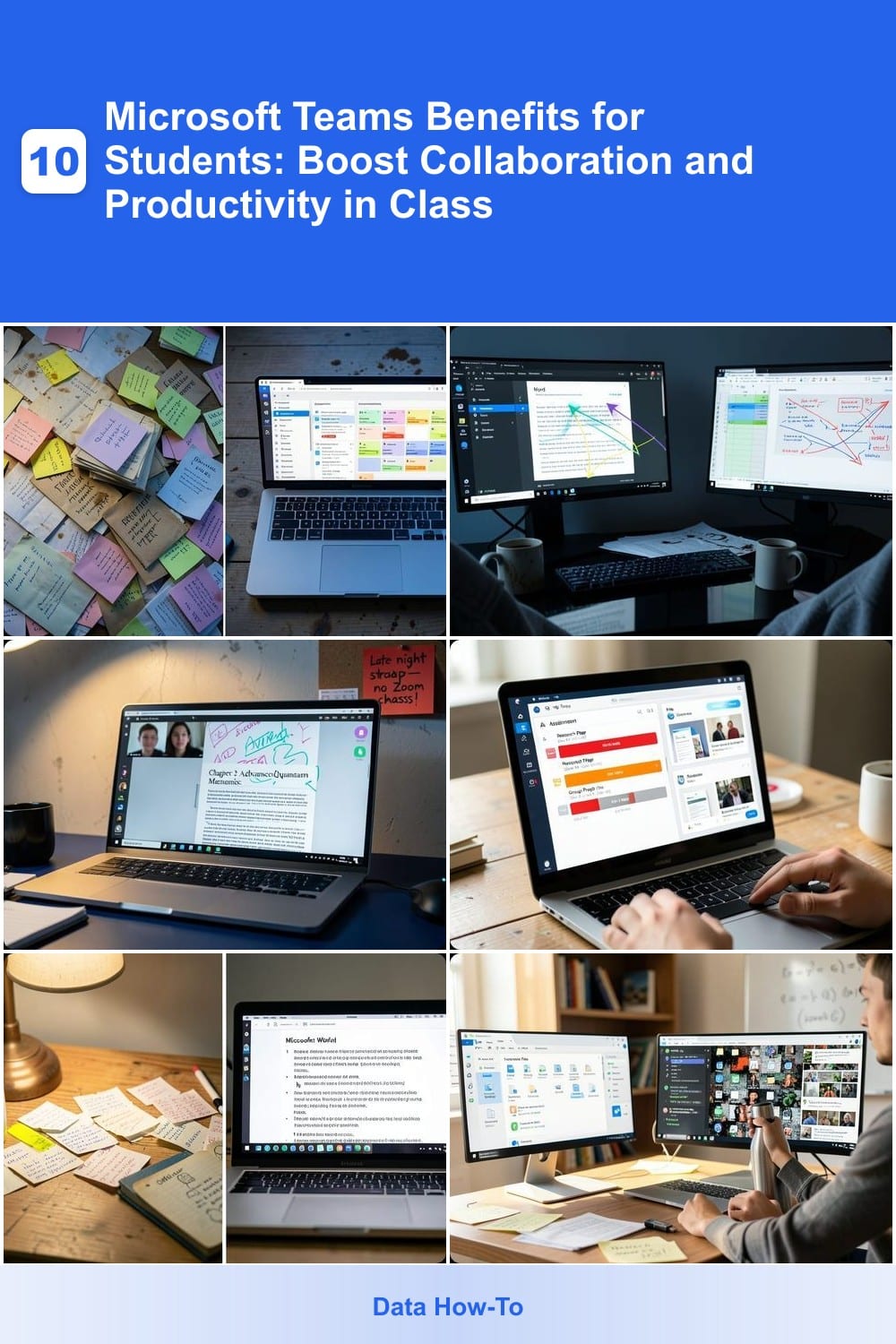
Tired of scribbling notes on paper only to realize later they’re messy and hard to follow? Microsoft Teams’ free Office 365 integration gives you Word, Excel, and PowerPoint—no credit card required. This means your class notes can instantly become structured documents, spreadsheets, or even professional slides for presentations.
With Microsoft Word, transform handwritten lecture notes into polished essays with built-in grammar tools and templates. Excel helps organize research data or budget group project expenses, while PowerPoint lets you create visually compelling slides for class projects—all without spending a dime on software. The best part? These tools sync seamlessly with Teams, so your files are always accessible across devices.
Perfect for students on tight budgets or those who juggle multiple courses, this perk turns your laptop into a full productivity powerhouse—no extra cost. ✨
Secure file sharing with classmates
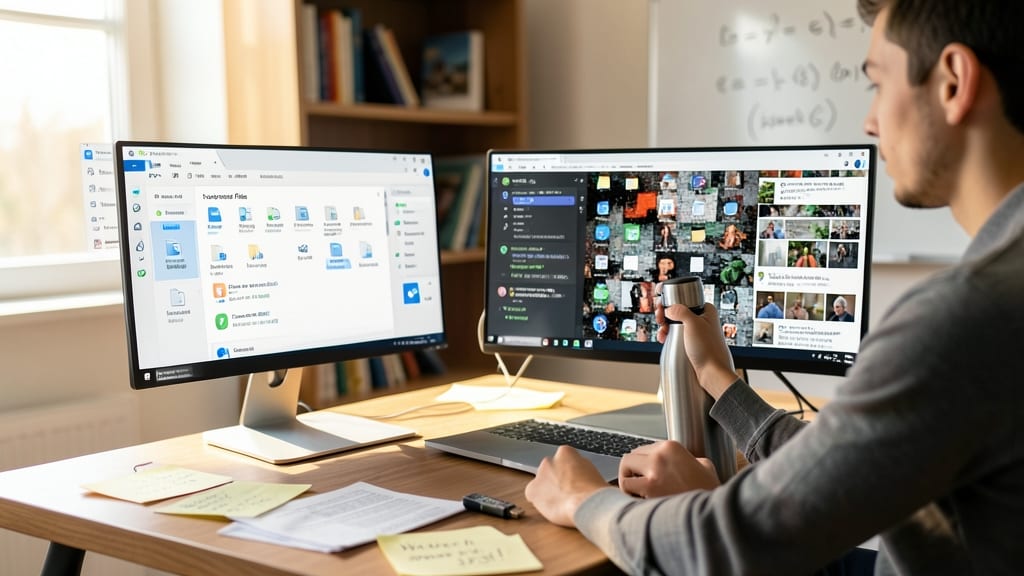
Tired of scrambling to untangle corrupted files or chasing down missing attachments from classmates? Microsoft Teams’ encrypted file-sharing system eliminates these headaches by storing all group project files in a secure, virus-proof cloud—no more sketchy email chains or "I didn’t get it" excuses.
The platform uses end-to-end encryption (like a digital vault) to protect sensitive data, while version history lets you restore old drafts if someone accidentally overwrites work. With 10GB of free cloud storage per user, teams can share large files (like video presentations or datasets) without hitting size limits. Permissions controls ensure only approved classmates can access files, keeping your work private.
This is especially useful for STEM students sharing code files or humanities groups managing research documents. No more lost USB drives or "I saved it on my phone" drama—just one-click access for everyone. ✨
Customizable notification system
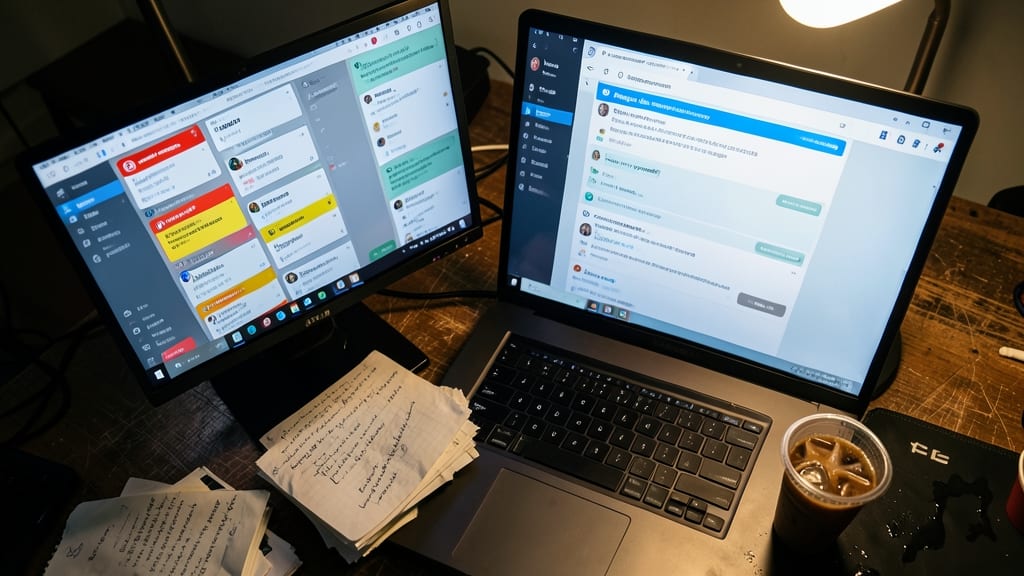
Drowning in notifications from group chats, social media, and study apps? Microsoft Teams lets you take control with a customizable notification system that prioritizes what truly matters—like assignment deadlines or professor messages—while muting distractions like casual chat pings.
You can silence notifications for specific channels or conversations entirely, or set focus hours during study sessions. The system even lets you prioritize alerts from key team members, ensuring you never miss critical updates while ignoring the noise. With desktop, mobile, and web sync, your settings follow you everywhere—perfect for students switching between laptop and phone.
This is your secret weapon for staying focused without missing important academic updates. ⚡
Integration with other student tools
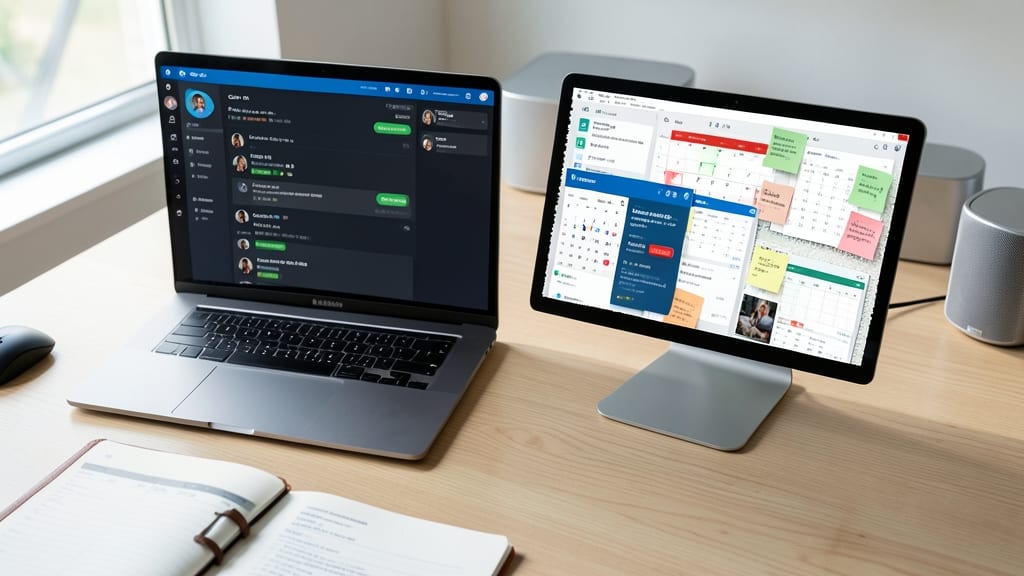
Juggling Google Calendar, Canvas, and other school tools can feel like herding digital cats—but Microsoft Teams bridges the gap effortlessly. With native integrations, you can pull deadlines, assignments, and meeting invites directly into Teams, so everything stays in one place without manual copying.
The Google Calendar sync automatically updates your schedule, while the Canvas integration lets you access course materials without switching tabs. For students using multiple platforms, this means no more missed deadlines or forgotten login credentials—just seamless workflows that save hours each week.
Perfect for commuter students or those balancing online/offline classes, this feature turns chaos into clarity. ✨
Accessibility features for all learners
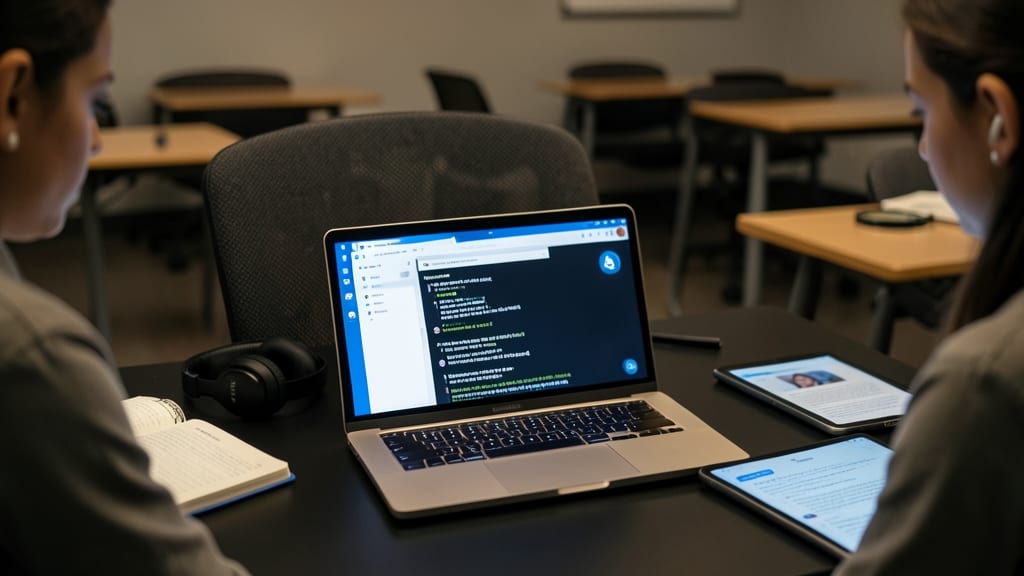
Microsoft Teams isn’t just a collaboration tool—it’s a game-changer for students who learn differently or rely on accessibility features. Whether you’re navigating a lecture with real-time captions or using text-to-speech to follow along with readings, Teams adapts to your needs without extra apps.
The built-in Immersive Reader highlights text for dyslexia support, while keyboard shortcuts let you navigate chats and meetings hands-free. Closed captions work in both video calls and recorded lectures, ensuring you never miss key details. These features aren’t just add-ons—they’re designed to make learning seamless for everyone.
Perfect for students with visual impairments, hearing differences, or ADHD—Teams’ accessibility tools help you focus on the material, not the technology. 💡
Lifelong digital work skills

Your first real-world job might feel overwhelming—but mastering Microsoft Teams now gives you a head start. Employers across industries prioritize candidates who can navigate professional collaboration tools, and Teams is the gold standard for remote work and virtual teams.
You’ll learn to schedule and join professional meetings (with features like background blur and virtual backgrounds), organize project channels like a pro, and use @mentions to streamline communication—skills that translate directly to internships or entry-level roles. The mobile app even lets you practice on-the-go, ensuring you’re ready for hybrid work environments.
Perfect for students in business, tech, or any field with remote work trends—this is your chance to stand out before graduation. 💪