
Software
Microsoft Teams has revolutionized classroom management by turning collaboration into a seamless experience. For teachers juggling lesson plans, parent communication, and student engagement, these 10 benefits show how Teams can transform your workflow—saving time, reducing stress, and boosting student success.
Seamless Classroom Communication Hub
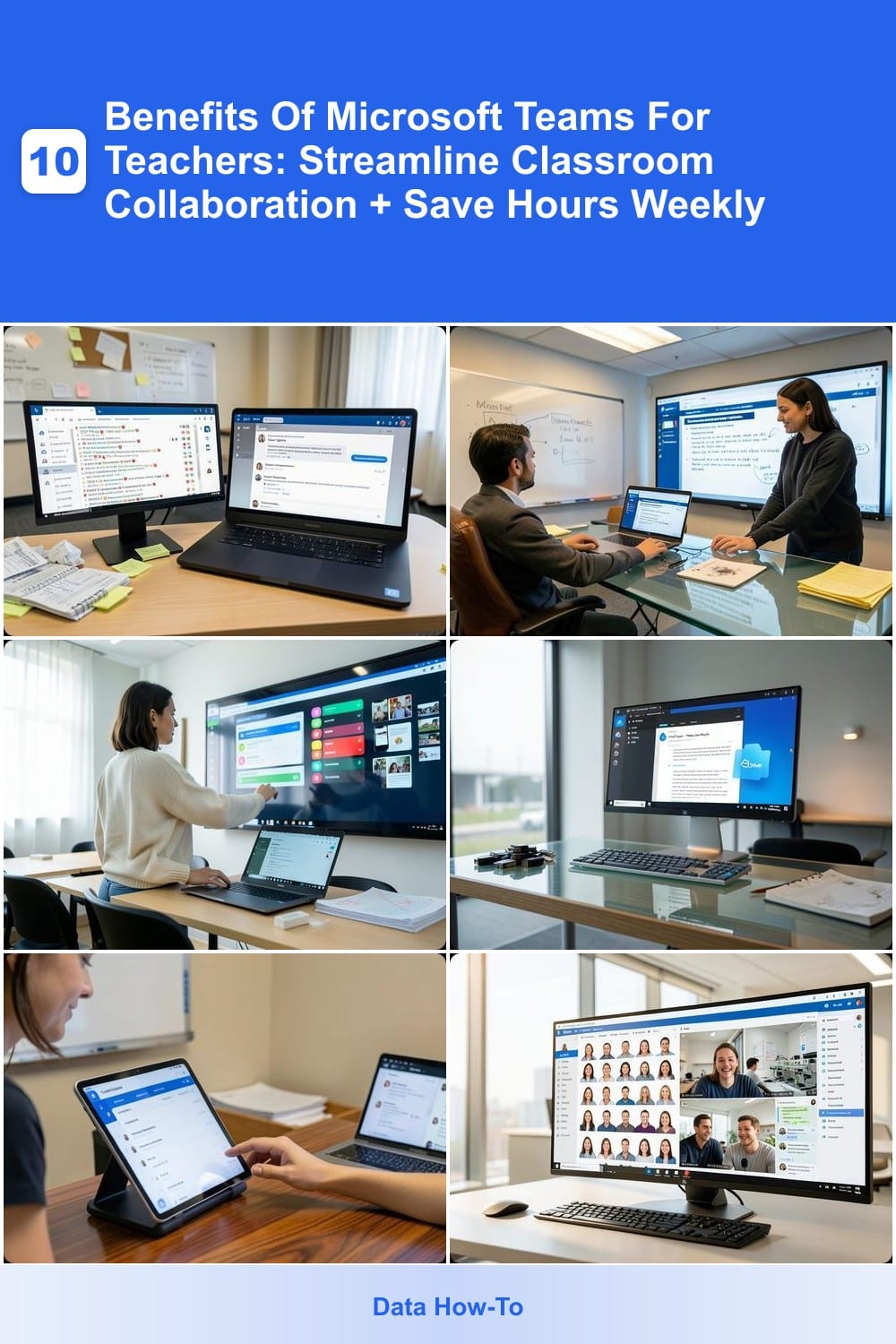
Say goodbye to the chaos of scattered emails, lost announcements, and overflowing inboxes—Microsoft Teams acts as your classroom communication command center, replacing fragmented messages with a single, organized hub. No more digging through email threads to find that important permission slip or chasing down parents for missing assignments. Instead, everything lives in one place: announcements, quick polls, and even direct messages, all searchable and timestamped.
Create dedicated channels for your class, where you can pin important updates at the top, share files instantly, and use @mentions to tag specific students or parents. The built-in calendar syncs with Outlook, so deadlines and events appear automatically, while real-time chat lets you answer questions faster than email—no more waiting 24 hours for a reply. Plus, the mobile app keeps you connected even when you’re grading papers or walking the hallways.
This is your secret weapon for elementary teachers juggling parent communication or high school educators managing large classes—where clarity and speed matter most. No more missed messages or forgotten replies. 💡
Built-In Lesson Plan Sharing
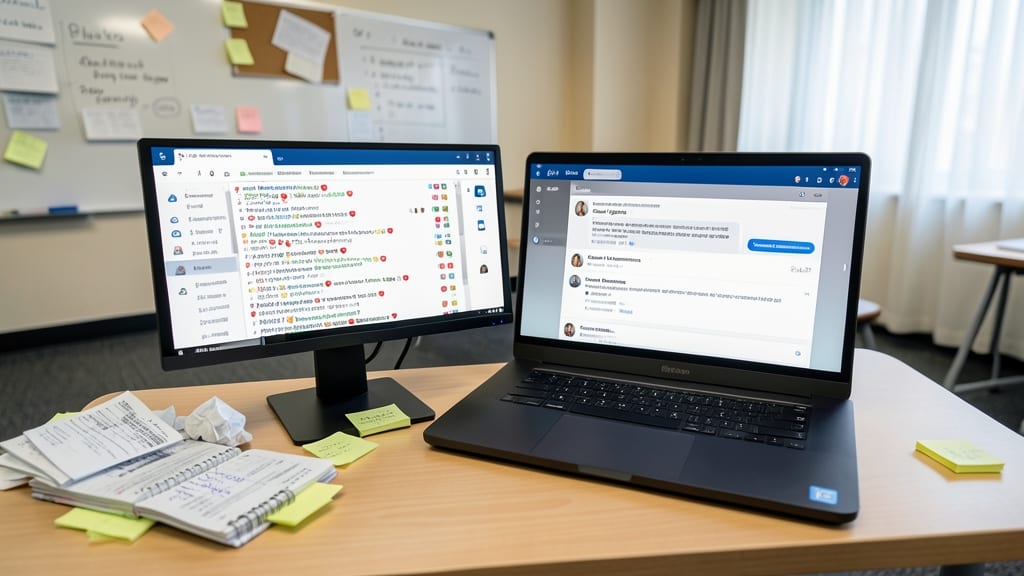
End the frustration of chasing down outdated lesson plans or deciphering handwritten notes—Microsoft Teams turns lesson planning into a real-time, collaborative experience. With built-in document sharing and co-authoring tools, you and your colleagues can edit the same lesson plan simultaneously, whether you're in the same room or across the country.
The version history feature ensures no changes are lost, while @mentions let you tag teammates for instant feedback. Need to align your unit plans with state standards? The shared OneNote integration lets you embed resources, rubrics, and even student work samples—all in one place. Plus, permission controls keep sensitive materials secure while allowing easy access for approved collaborators.
This is a lifesaver for department chairs, curriculum teams, or subject specialists who need to maintain consistency across classrooms. No more "finalfinalv2.docx" chaos—just a single, always-updated source of truth. 💡
Real-Time Student Feedback Tool
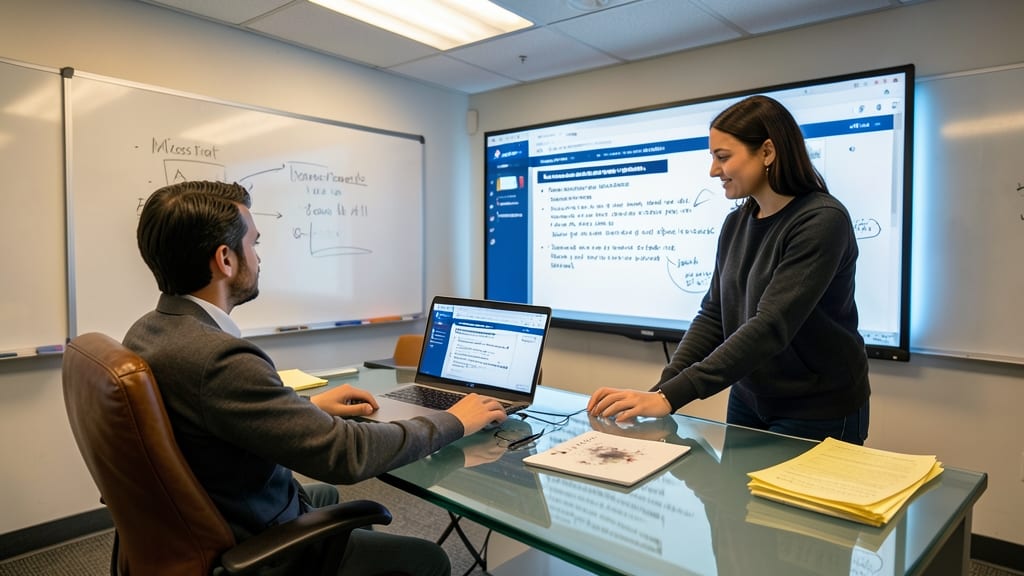
Teaching isn’t just about delivering lessons—it’s about knowing if students are grasping them. Microsoft Teams’ real-time feedback tools let you check comprehension instantly with live polls, quizzes, and assignments, turning passive lectures into interactive exchanges.
Create a quick multiple-choice poll to gauge understanding mid-lesson, or assign a graded quiz that syncs with your gradebook. The Teams app integration with Office 365 means you can even embed Word or Excel-based assignments for deeper analysis. For hybrid classes, use breakout rooms to monitor small-group discussions in real time—no more waiting for emails or raising hands.
This feature shines brightest for formative assessments, helping you adjust pacing or clarify concepts on the spot. Perfect for middle/high school teachers or anyone teaching complex subjects where engagement matters most. ✨
Secure File Sharing for Assignments
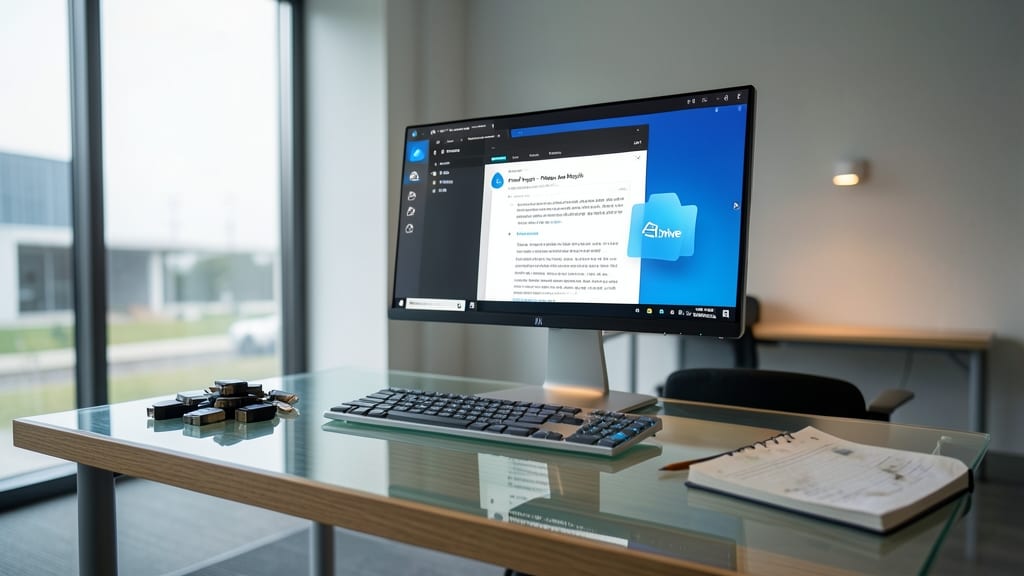
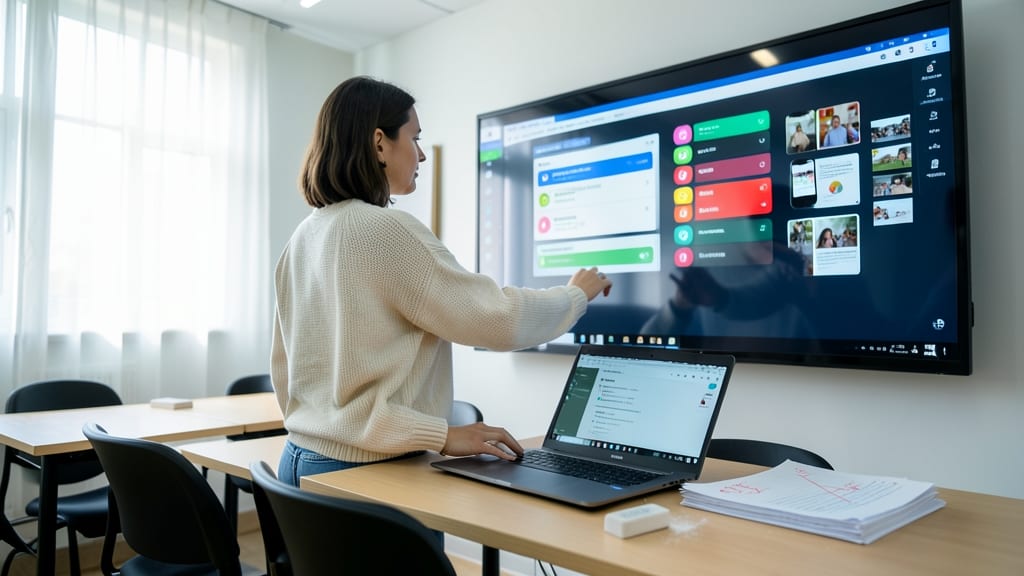
Forget chasing down missing assignments or sifting through lost USB drives—Microsoft Teams integrates directly with OneDrive, creating a paperless submission system where students upload work straight to secure folders. This eliminates the chaos of physical hand-ins while ensuring every file is timestamped and backed up automatically.
With version history tracking, you can review edits, spot plagiarism, or restore lost drafts with a single click. The automated grading tools in Teams Education further streamline workflows by organizing submissions into a centralized dashboard, complete with progress bars and due-date reminders—so no assignment slips through the cracks.
This system is a game-changer for teachers managing high-volume classes or hybrid learners, ensuring fairness, reducing late submissions, and cutting down on administrative headaches. ⚡
Parent-Teacher Collaboration Space
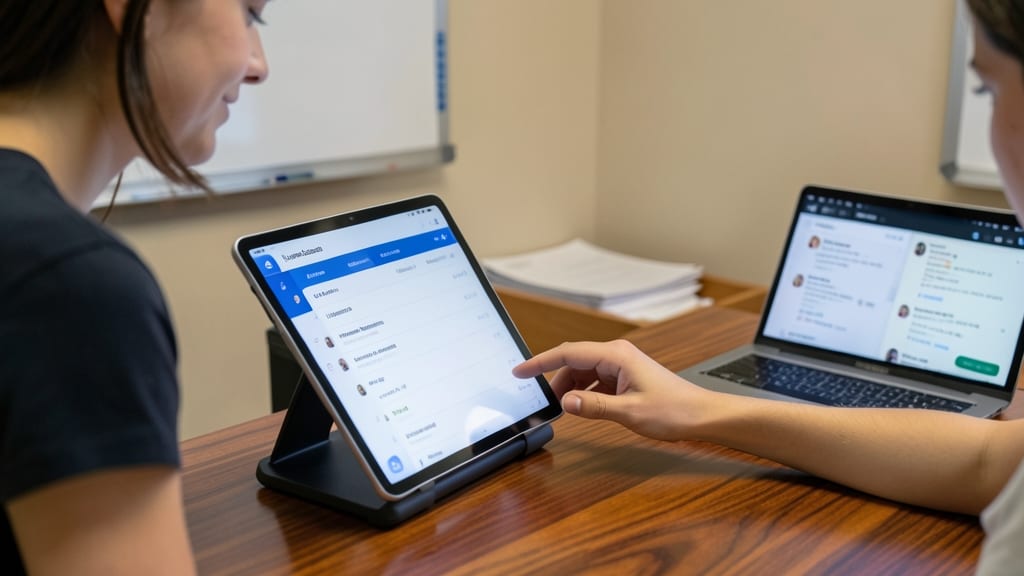
Tired of parent emails piling up while you’re grading papers? Microsoft Teams’ dedicated parent channels organize all communication—updates, volunteer requests, and PTA news—in one place, so nothing slips through the cracks.
Create a private channel for your class where parents can join, view announcements, and even sign up for volunteer shifts via built-in polls. The shared calendar syncs with Outlook, so everyone stays on the same page about events, deadlines, and meetings—no more missed notes or last-minute calls. Plus, file tabs let you store permission slips, newsletters, and meeting minutes securely.
This is perfect for teachers who want to keep parent engagement high without the chaos of scattered emails or phone tag. 💻
Virtual Classroom for Hybrid Learning
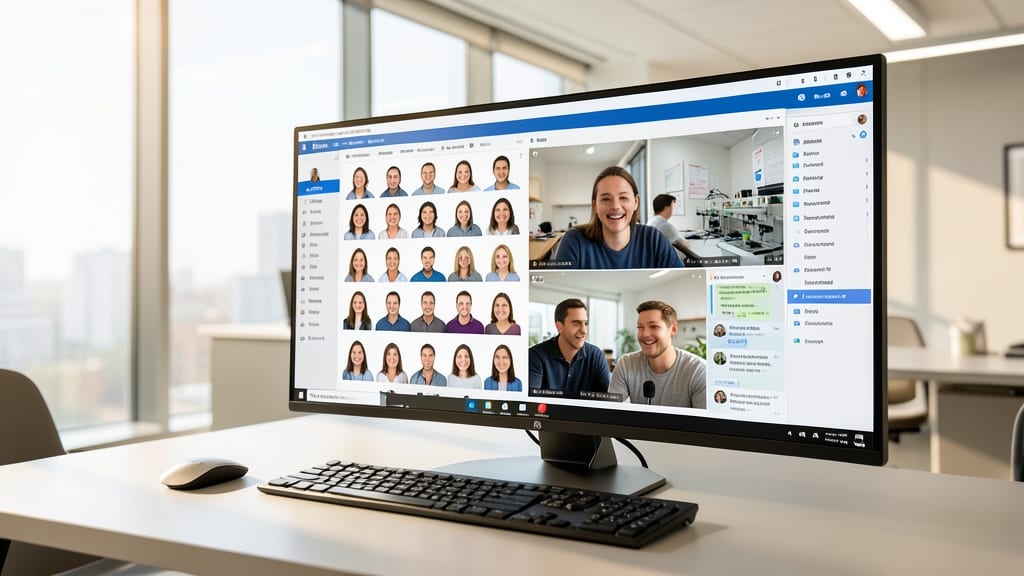
When unexpected closures or hybrid schedules disrupt your lesson plan, Microsoft Teams’ virtual classroom keeps learning on track—no matter where students are. The built-in video conferencing supports up to 1,000 attendees, while breakout rooms let you split classes for small-group discussions, labs, or peer reviews without missing a beat.
Screen-sharing extends beyond slides to whiteboard tools, live polls, and even guest lecturer sessions—perfect for snow days or when a substitute needs to step in. The attendance tracker logs participation automatically, and recording features ensure students who miss sessions can catch up. Plus, subtitles and translation tools make lessons accessible for non-native speakers.
This is your go-to for uninterrupted instruction, whether you’re teaching a fully remote class or supporting students stuck at home. ⚡
Integrated Classroom Management Tools
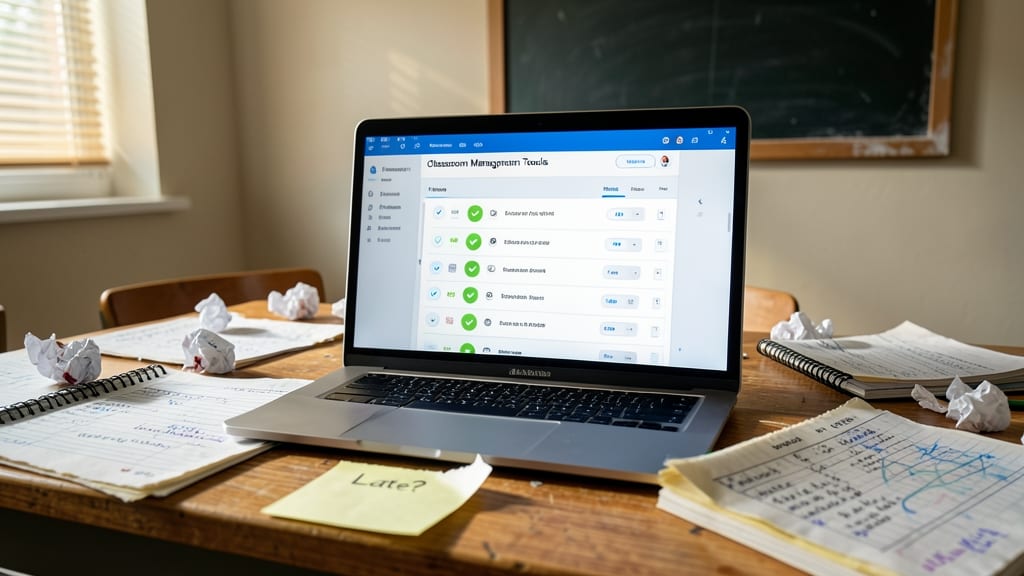
Tired of juggling spreadsheets for attendance and scribbled notes for behavior logs? Microsoft Teams’ built-in classroom management tools turn administrative chaos into a streamlined process—all within your existing workflow.
Track real-time attendance with a simple check-in feature, log behavior incidents with customizable templates, and even send automated check-out reminders. The student check-in dashboard lets you monitor participation trends at a glance, while integrated behavior logs sync with parent communication channels—no more disconnected paperwork. Best of all, these tools require zero extra apps to set up.
Ideal for elementary teachers managing large classes or special education instructors tracking IEP progress, this feature saves 10+ hours monthly on paperwork. ✨
Collaborative Whiteboard for Lessons

Transform passive lectures into dynamic, collaborative sessions with Microsoft Teams’ built-in whiteboard tool. This real-time digital canvas lets students and teachers draw, sketch, or type together—perfect for solving math problems, brainstorming story ideas, or mapping out history timelines without needing physical whiteboards or markers.
The tool supports multiple users simultaneously, with features like eraser tools, text boxes, and customizable colors to match any lesson. Students can even upload images to annotate, making it ideal for dissecting diagrams or labeling parts of a cell. Best of all, every change syncs instantly, so no one misses a step—just like magic, but with zero mess.
This is a game-changer for group projects, STEM activities, or creative writing workshops, where every student’s input matters. Whether you’re teaching in-person or remotely, the whiteboard keeps everyone engaged and on the same page—literally. ✨
Automated Reminders for Deadlines
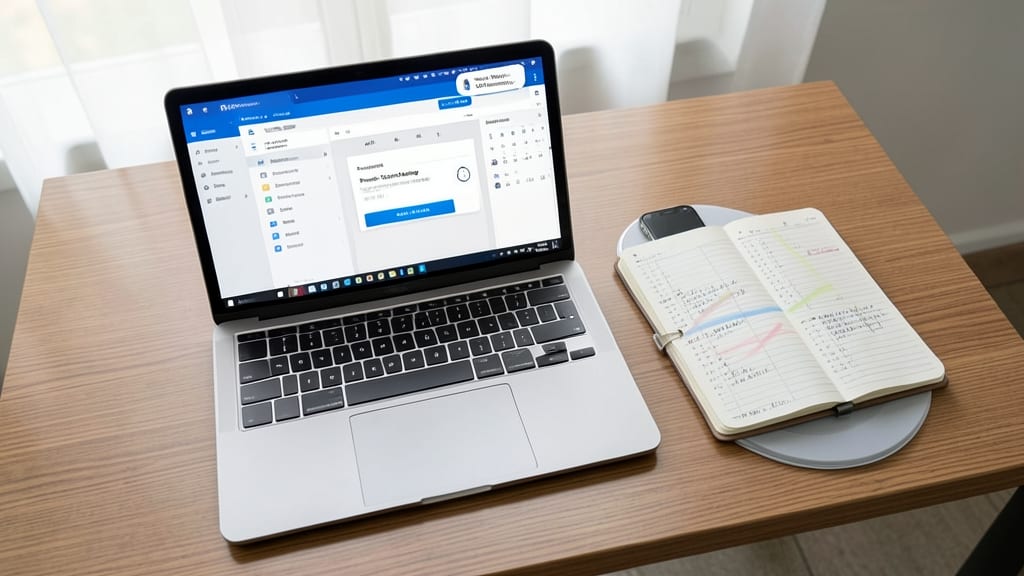
Forget scrambling to remember due dates or chasing down students about missed deadlines—Microsoft Teams’ automated reminder system handles it all. Set up recurring notifications for assignments, test reviews, and even parent-teacher meetings directly in the app, ensuring no one slips through the cracks.
Create custom alerts with time-based triggers (e.g., 24 hours before a deadline) and assign them to specific channels or individuals. The integration with Outlook calendars syncs seamlessly, so your reminders stay updated without manual input. This feature cuts down on last-minute submissions and no-shows by keeping everyone on track—no extra apps or spreadsheets required.
Ideal for teachers juggling multiple classes or hybrid schedules, this tool turns forgetfulness into a thing of the past. ⚡
Professional Development Network

Tired of professional development that feels like an afterthought? Microsoft Teams transforms your educational growth into an ongoing, collaborative experience—right where you already work. With dedicated teacher communities and Microsoft’s curated educational resources, you can connect with peers, share strategies, and access training materials without leaving your Teams dashboard.
Join Microsoft Educator Community channels to participate in live webinars, download lesson plan templates, or tap into Microsoft’s free training modules—all integrated into your workflow. The platform’s private group chats let you discuss curriculum challenges with colleagues in real time, while shared calendars keep everyone aligned on PD opportunities. Whether you’re a new teacher or a veteran looking to refine your methods, Teams turns passive learning into an active, peer-supported network.
Perfect for educators who thrive on collaboration, this feature ensures your professional growth stays front and center—no more scattered emails or forgotten PD deadlines. ✨