
Software
Struggling to create professional newsletters in Microsoft Word without spending hours on design? These 10 free, ready-to-edit templates transform your campaigns into polished layouts—no graphic design skills required. Perfect for marketers, small businesses, and busy professionals.
Modern Minimalist Newsletter Template
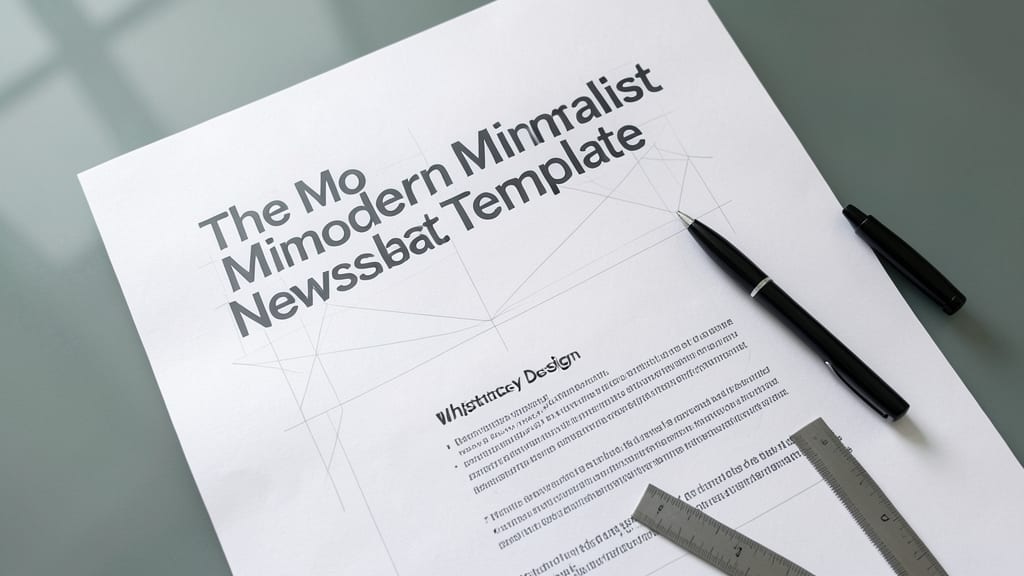
Need a newsletter that commands respect without shouting? The Modern Minimalist Newsletter Template delivers effortless professionalism with its whitespace-heavy design, perfect for corporate communications where clarity reigns supreme. This template eliminates clutter while ensuring your message stays sharp and readable—ideal for B2B industries where every word matters.
Featuring subtle geometric accents, centered logo placement, and pre-formatted sections for executive updates or client communications, this design works seamlessly in Microsoft Word. The neutral color palette adapts instantly to your brand, while the structured layout guides readers through key points without overwhelming them. Simply replace placeholder text with your content, and you’re ready to send—a polished, distraction-free document in minutes.
Best for corporate teams, law firms, or consulting agencies where first impressions hinge on professionalism. This template turns busy executives into engaged readers with its clean, no-nonsense approach. ✨
Colorful Promotional Newsletter Layout
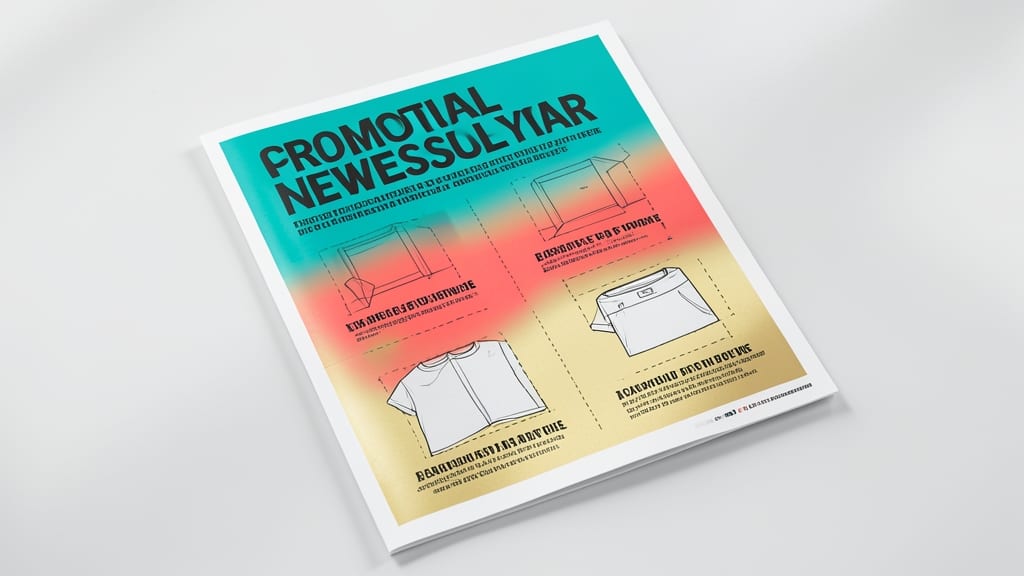
Want your promotions to grab attention instantly? This Colorful Promotional Newsletter Layout packs a punch with bold gradients, high-contrast typography, and product-focused placeholders designed to make your offers impossible to ignore. Unlike sterile corporate designs, this template uses vibrant colors and dynamic layouts to create urgency—perfect for Black Friday sales, new product drops, or limited-time offers.
The template includes pre-built promotional sections like "Limited Offer" banners, discount timers, and product showcase grids, all optimized for Microsoft Word’s editing tools. Swap in your brand colors, images, or sale details in minutes—no design skills required. The gradient backgrounds and bold headers ensure your content stands out, while the modular layout lets you rearrange sections to highlight your best deals.
Ideal for retailers, e-commerce brands, or marketers launching campaigns that need to stop scrollers in their tracks, this template turns your promotions into visual magnets. 🌟
Elegant Event Invitation Template
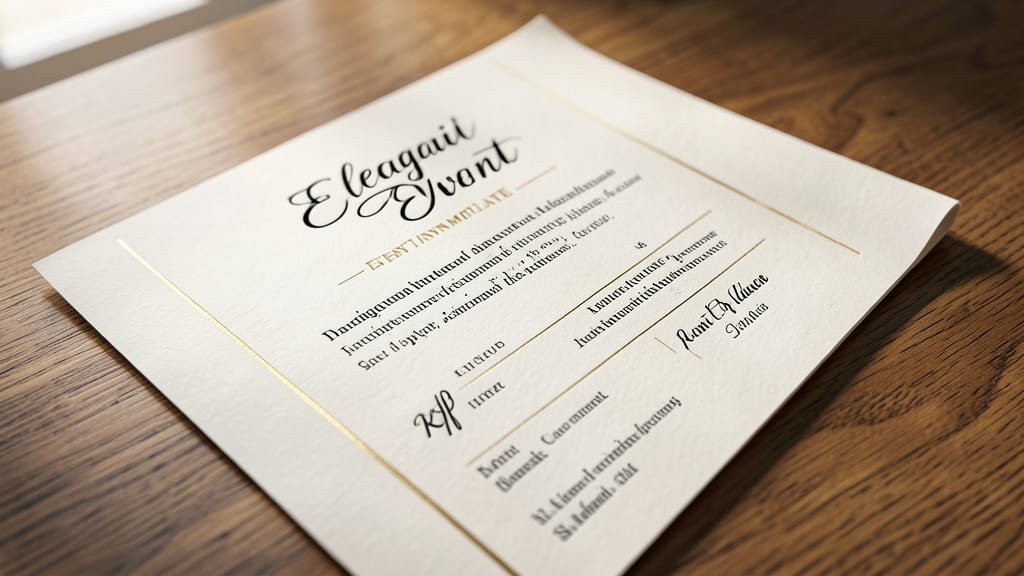
Hosting a special event but dreading the design work? This Elegant Event Invitation Template turns your occasion into a polished affair with minimal effort. Built for weddings, conferences, or corporate galas, it includes dedicated RSVP sections and script typography that instantly elevate your invitations from basic to breathtaking.
The template features pre-formatted placeholders for dates, locations, and guest lists, along with subtle damask patterns and gold foil accents that add sophistication without overwhelming your design. You can easily swap in your event details, logos, or custom colors using Word’s built-in tools—no design skills required.
Ideal for planners, event coordinators, or anyone hosting a memorable occasion, this template ensures your invitations match the grandeur of your event. ✨
Nonprofit Fundraising Newsletter
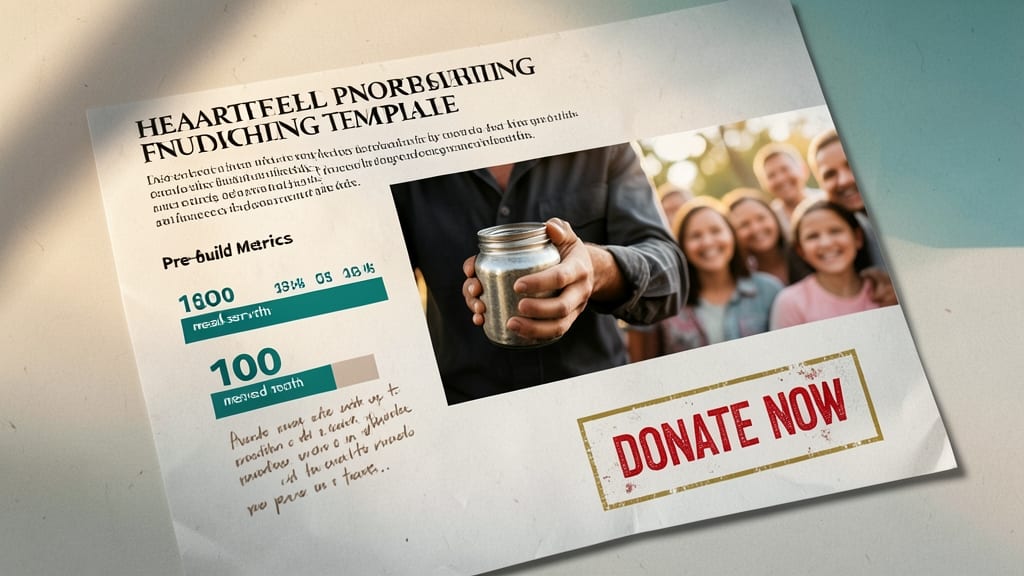
If your nonprofit’s mission deserves more than a generic layout, this heartfelt fundraising template is designed to inspire action while keeping donors emotionally connected. Pre-built sections for impact metrics (e.g., "100 meals served this month") and donation callouts ensure clarity and urgency without overwhelming readers.
The template includes soft blues/greens for trust, a dedicated "How Your Donation Helps" sidebar, and placeholder graphics for volunteer photos—all optimized for Microsoft Word’s editing tools. Simply replace the sample stats with your organization’s real achievements to build credibility instantly.
Ideal for NGOs, shelters, or educational charities, this design turns passive readers into engaged supporters. Perfect for quarterly impact reports or holiday fundraising drives. ✨
Corporate Annual Report Template
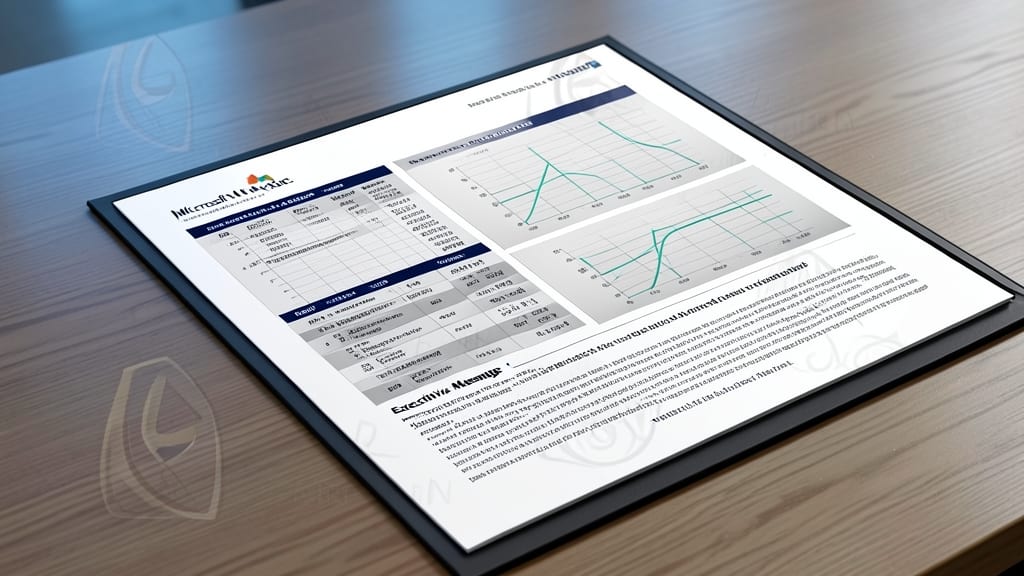
Turn financial jargon into polished presentations with this corporate annual report template, designed specifically for stakeholders who demand clarity. Built with pre-formatted tables for financial summaries, chart placeholders for KPIs, and executive message sections, it eliminates the guesswork of aligning data with professional design.
The template includes customizable color schemes (navy, silver, or corporate-branded palettes) and structured sections for revenue breakdowns, growth metrics, and leadership statements. Simply replace placeholder text with your actual data—no design expertise required. The built-in grid system ensures alignment across pages, while the executive summary template guides you through crafting a compelling narrative.
Ideal for CFOs, startup founders, and marketing teams preparing investor decks or shareholder reports, this template transforms raw data into a credible, high-impact document in minutes. ✨
Educational Newsletter for Teachers
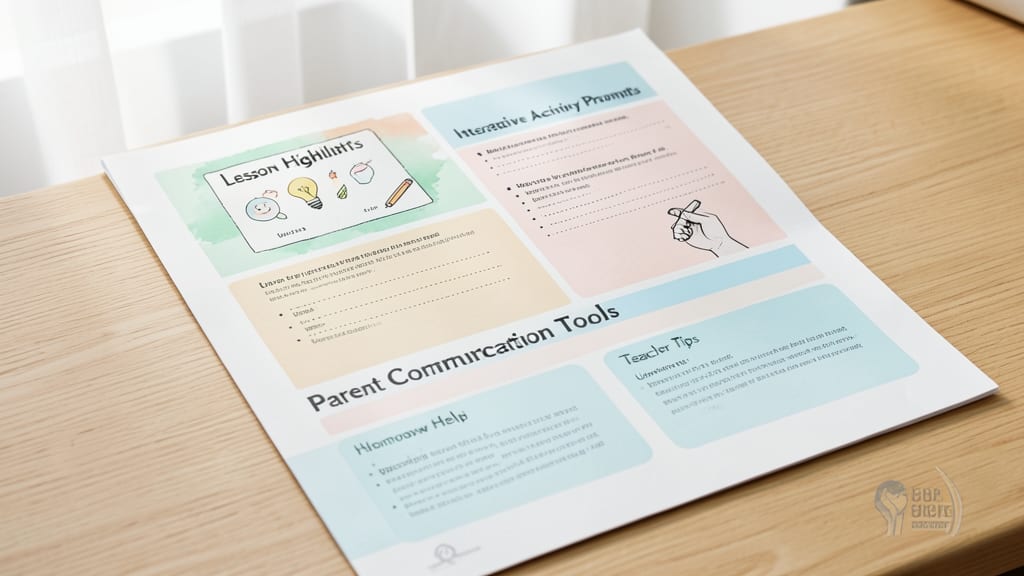
Tired of designing newsletters that feel more like homework than teaching? This educational newsletter template is packed with student-friendly sections like lesson highlights, interactive activity prompts, and dedicated parent communication tools—all in a pastel palette that feels inviting, not institutional.
The layout includes pre-formatted sections for weekly lesson recaps, homework reminders, and even a "Teacher’s Tip" box for quick insights. Built-in clipart placeholders let you add visuals without design skills, while the parent email integration section ensures you can share updates with guardians in one click. The A4-optimized design works seamlessly for print or digital distribution.
Perfect for elementary, middle, or high school educators who want to keep parents engaged while making lessons feel exciting. Turn classroom updates into a highlight of every week! ✨
Tech Product Launch Template

Announcing your next big tech release deserves a design that matches its innovation. This Tech Product Launch Template blends futuristic aesthetics with practical elements like screen mockups, progress bars, and interactive call-to-action buttons—perfect for software demos or gadget unveilings.
The template includes customizable circuit-board graphics, feature highlight panels, and download button placeholders to showcase specs like 4K resolution or AI-powered features. Pre-built sections for release dates, system requirements, and comparison charts streamline your messaging, while the dark-themed layout ensures your product stands out against the competition.
Ideal for startups, tech bloggers, or marketing teams launching hardware or software, this template turns technical specs into an engaging visual story—without requiring design expertise. ⚡
Seasonal Holiday Newsletter
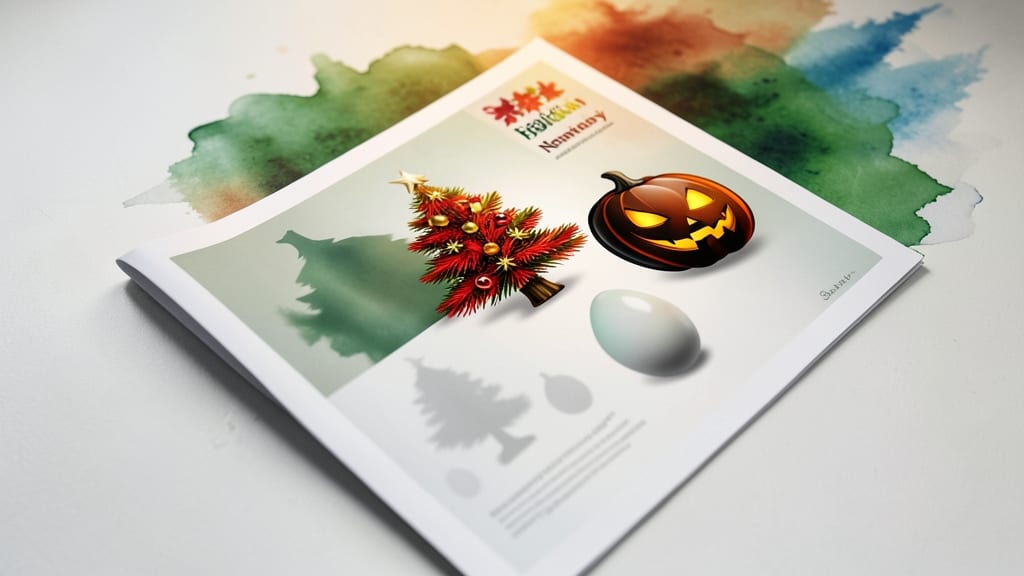
Holiday campaigns deserve a design that matches the excitement—this Seasonal Holiday Newsletter template brings festive flair to your promotions with pre-loaded graphics for Christmas, Halloween, or Easter. Swap out placeholder images for your own holiday-themed visuals, or keep the built-in icons for a polished look without extra design work.
Each template includes dedicated promotional sections like "Limited-Time Offer" or "Holiday Specials," with space for discounts, event details, or seasonal messages. The adjustable color schemes let you match your brand while keeping the holiday spirit—think candy cane red/green for Christmas or spooky orange/black for Halloween.
Perfect for small businesses, retailers, or nonprofits running seasonal drives—just drop in your content and send it to print or digital. No design skills needed! ✨
Two-Column Business Update
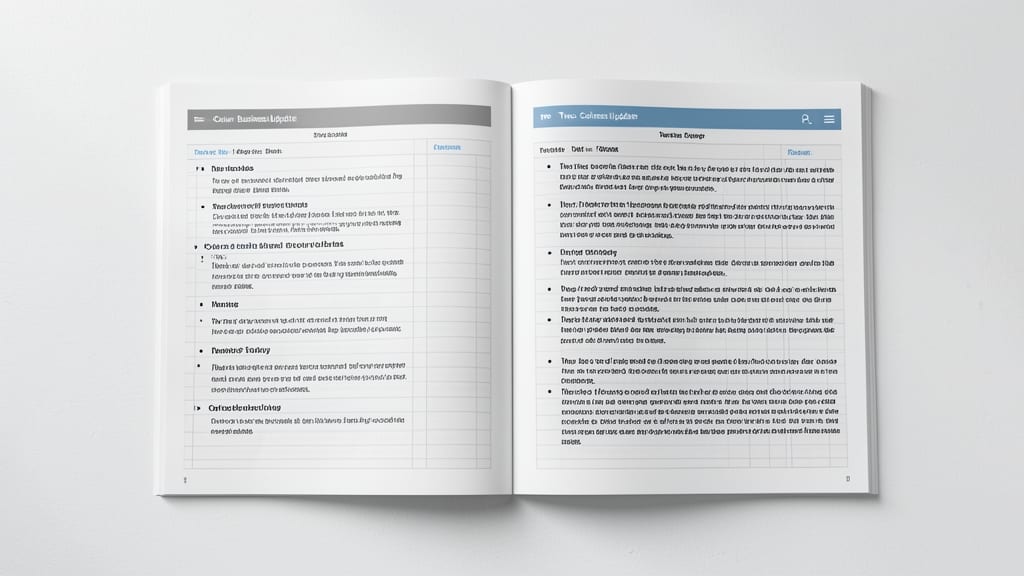
Tired of cramming all your updates into one chaotic block of text? The Two-Column Business Update template solves that with a clean, balanced split—perfect for quarterly reports, team spotlights, or internal memos.
This design features pre-formatted left/right columns for easy content separation, consistent spacing to avoid clutter, and placeholder sections for metrics, announcements, or employee highlights. The modular layout lets you drag-and-drop text boxes without breaking alignment, while built-in corporate-friendly fonts ensure professionalism with zero design effort.
Ideal for HR teams, small business owners, or managers sending regular internal updates, this template keeps readers engaged by guiding their eye through structured sections. 💻
DIY Customizable Blank Template
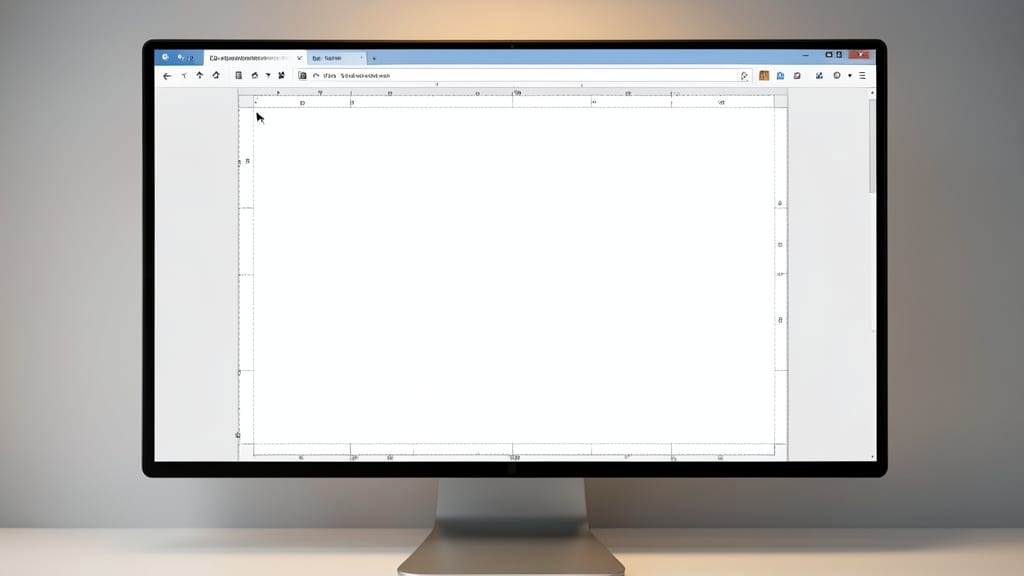
When none of the pre-designed templates quite fit your vision, the DIY Customizable Blank Template gives you the ultimate freedom to build exactly what you need. Unlike rigid layouts, this template starts with a completely empty canvas while still providing smart defaults like pre-set margins (1-inch borders) and professional font pairings (e.g., Calibri for body text, Arial for headers).
You’ll find subtle gridlines for alignment, placeholder text to guide content placement, and customizable sections that expand or shrink as needed. No distracting graphics or forced themes—just a clean slate where your branding, colors, and structure take center stage. The Word-compatible file ensures seamless editing across devices.
Ideal for designers, agencies, or brands launching new campaigns with unique visual identities, this template lets you start from scratch while avoiding common formatting headaches. Perfect for one-off projects or when you want to build a reusable template from the ground up. ✨