
Software
Mastering Microsoft Access opens doors to database management without breaking the bank. These 10 free, high-quality online courses provide hands-on training, certifications, and practical skills—perfect for beginners eager to boost their productivity and career prospects.
Microsoft Access Beginner Tutorial from GCFGlobal
Struggling to wrap your head around Microsoft Access but overwhelmed by complex tutorials? GCFGlobal’s Beginner Tutorial cuts through the noise with zero-pressure, bite-sized video lessons tailored for absolute beginners. Unlike dry manuals, this course starts with the basics—like creating tables, designing queries, and building forms—using relatable examples (think contact lists or inventory trackers).
The tutorials use clear visuals and real-time demonstrations, so you’ll see exactly how to structure data, write simple queries, and automate tasks without jargon. Each lesson includes practice exercises to reinforce concepts, ensuring you grasp fundamentals before moving to advanced topics. The self-paced format means you can pause, rewind, or revisit lessons anytime—no deadlines or pressure.
Perfect for small business owners, students, or career starters who need a stress-free introduction. Whether you’re organizing a personal project or prepping for a job, this tutorial builds confidence step by step. 💡
Microsoft Access Free Training from Udemy
Tired of free courses that disappear after a trial period? Udemy’s Microsoft Access training stands out with lifetime access—no subscription fees, no expiration. This isn’t just a one-time watch; you’ll get downloadable exercise files and quizzes to test your progress, ensuring you retain what you learn.
The course breaks down complex topics like query design, form creation, and reporting tools into digestible lessons, complete with real-world examples (think inventory tracking or client databases). Unlike generic tutorials, this one includes interactive assessments to reinforce concepts—no passive learning here. Plus, Udemy’s platform lets you learn at your own pace, with offline viewing for when you’re on the go.
Perfect for busy professionals, students, or small business owners who need flexibility. Whether you’re managing a project or just dipping your toes into databases, this course gives you the tools to build confidence—without the stress of deadlines or hidden costs. 💪
Microsoft Access Tutorial for Beginners by YouTube’s Access Expert
If you learn best by watching rather than reading, YouTube’s Access Expert channel offers the most comprehensive free video library for Microsoft Access beginners—50+ bite-sized tutorials covering everything from basic tables to advanced macros.
The playlist includes screen-by-screen demonstrations of real-world projects, like building a customer relationship database or automating reports. Each video focuses on one skill, so you can jump straight to what you need—no fluff, just actionable, step-by-step guidance. The instructor’s clear explanations and downloadable exercise files make it easy to follow along at your own pace.
This is ideal for visual learners who want to build confidence quickly without committing to a structured course. Perfect for small business owners, students, or anyone tired of dry manuals. 💡
Microsoft Access Free Certification from Coursera’s Google Data Analytics Course
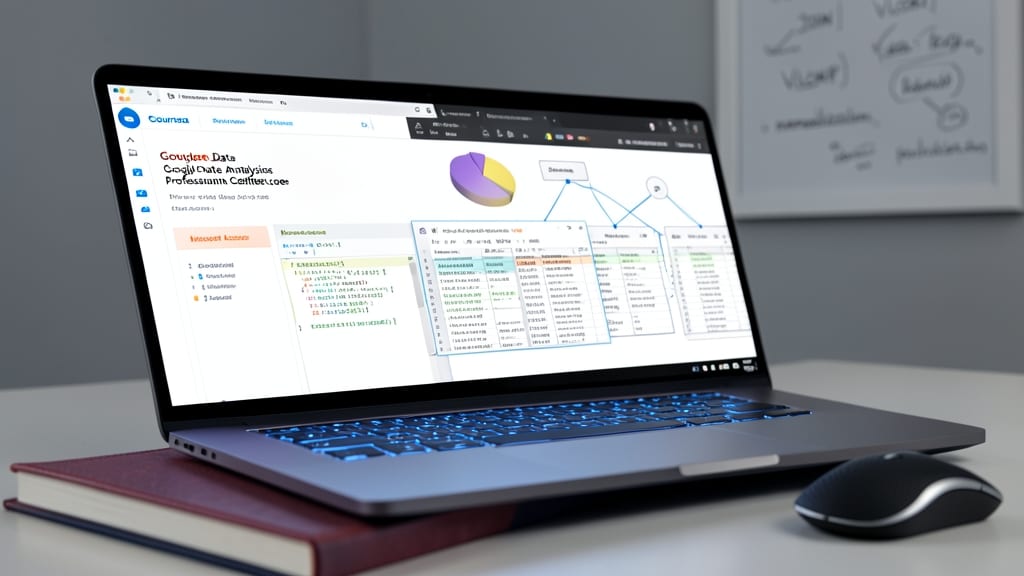
Want a certification-worthy Microsoft Access skillset without paying a dime? Coursera’s Google Data Analytics Professional Certificate includes dedicated Access modules, blending database fundamentals with real-world analytics projects.
You’ll dive into relational database design, master queries and reporting tools, and complete hands-on tasks like building a sample business database. The course even offers a shareable Coursera certificate upon completion—no hidden fees. Google’s structured curriculum ensures you learn Access and analytics simultaneously.
Perfect for data enthusiasts or professionals aiming to add database skills to their resume. 💡
Microsoft Access Free Training from LinkedIn Learning’s Intro Course
Looking to boost your resume with a Microsoft Access skill—without spending a dime? LinkedIn Learning’s free introductory course is the perfect way to get started, offering structured lessons tailored for professionals.
The course covers database fundamentals, including table relationships, queries, and form design, with real-world examples that translate directly to workplace tasks. You’ll also learn how to organize data efficiently, a skill that’s highly valued in roles like data entry, project management, or small business operations. The platform’s sleek interface makes it easy to pause, bookmark, and revisit lessons at your own pace.
Ideal for job seekers or career switchers, this course lets you add Access to your LinkedIn profile and even share completion badges—great for networking or impressing recruiters. ⚡
Microsoft Access Free Practice Exercises from ExcelIsFun
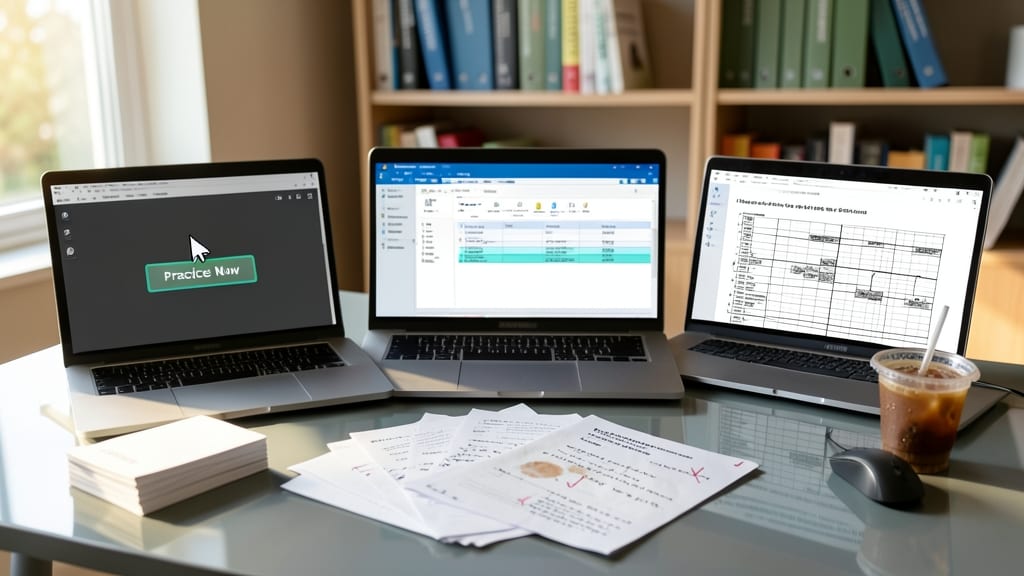
If you’ve ever watched a tutorial and thought, "I get the theory, but how do I actually apply this?"—ExcelIsFun’s Microsoft Access practice exercises are your answer. This free resource bridges the gap between learning and doing, offering downloadable database files and step-by-step challenges that mirror real-world scenarios.
You’ll tackle exercises like creating a customer tracking system, designing multi-table queries, and building interactive forms—all with instant feedback. The exercises are version-agnostic, meaning they work across Access 2010 to 2021, and include solutions so you can check your work. No fluff, just hands-on repetition to lock in skills like relationships, macros, and reports.
Perfect for self-learners who crave immediate application, these exercises turn passive watching into active mastery. Dive in and build confidence—your future database projects will thank you! ✨
Microsoft Access Free Training from Microsoft’s Official Support Page
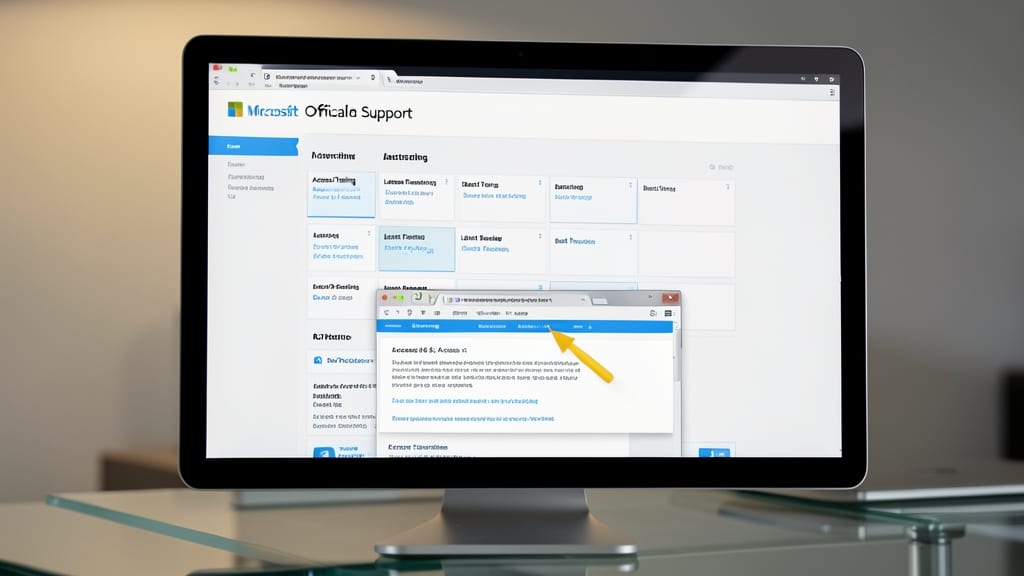
Skip the guesswork and learn directly from the source with Microsoft’s Official Support Page—your one-stop hub for authentic, up-to-date training on Access. Unlike third-party courses, these materials are curated by Microsoft’s own experts, ensuring you’re learning the latest features and best practices.
Dive into step-by-step tutorials covering everything from basic table creation to advanced queries, plus downloadable database templates to jumpstart your projects. Stuck on an error? The troubleshooting guides walk you through common issues with clear, actionable fixes. Best of all, it’s 100% free and requires no sign-up.
Perfect for professionals who need reliable, vendor-backed resources or anyone tired of outdated tutorials. Trust the experts to guide your learning—no fluff, just skills. ✨
Microsoft Access Free Course from Alison’s Diploma Program
Want to add a formal credential to your resume without spending a dime? Alison’s Microsoft Access Diploma Program delivers a free, accredited course with assessments and a downloadable certificate—perfect for learners who want proof of their skills.
The course covers database fundamentals, from designing tables to creating reports, with graded assignments to reinforce learning. Unlike many free tutorials, this program includes a structured curriculum and a certificate of completion—ideal for job seekers or students needing documented achievements.
Best for professionals or students who want official recognition of their Access skills without enrollment fees. 💻
Microsoft Access Free Training from Skillshare’s Free Trial Classes
If you’re a creative professional or designer looking to organize projects with Microsoft Access, Skillshare’s free trial classes offer a refreshing approach to database basics. Unlike traditional tech-heavy tutorials, these courses blend visual storytelling with hands-on Access skills, making them perfect for non-coders.
You’ll dive into real-world project management with lessons on designing intuitive forms, structuring relational databases, and automating repetitive tasks. The project-based format lets you build a portfolio-worthy database while learning—no dry theory here. Plus, Skillshare’s platform syncs across devices, so you can practice on your phone, tablet, or desktop without missing a beat.
Ideal for freelancers, designers, and small business owners, this is your chance to turn messy spreadsheets into sleek, functional databases—all without a single lecture that feels like homework. ✨
Microsoft Access Free Community Tutorials from Reddit’s r/Access

Stuck on a tricky Access problem? Reddit’s r/Access is the go-to community for real-time help, where 500+ active members share solutions to common pitfalls like query errors, form design challenges, and VBA scripting issues.
This isn’t just a forum—it’s a living resource hub with curated guides, user-uploaded templates, and direct links to free tools. Whether you’re debugging a corrupted database or optimizing relationships, the community’s collective experience often provides faster answers than official docs.
Perfect for self-learners who thrive on collaboration, this is where you’ll find unfiltered, practical advice—no fluff, just actionable fixes. 💻