
Software
Microsoft Teams is revolutionizing classrooms by transforming how teachers and students collaborate, communicate, and manage workloads. These 10 benefits show how schools can enhance learning experiences while reducing costs and administrative burdens—making it a must-have tool for modern education.
Seamless Classroom Communication Platform
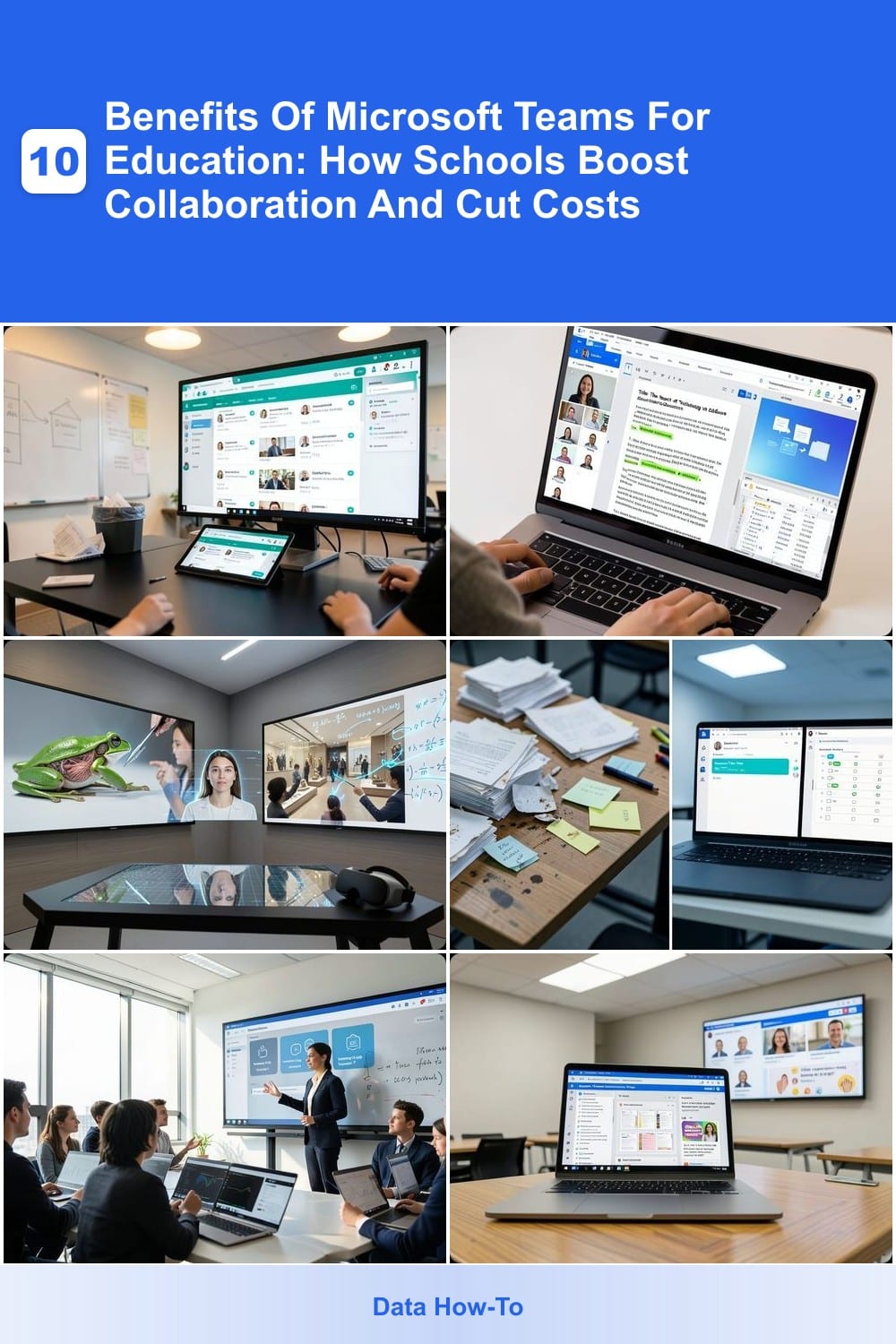
Tired of chasing down students through lost emails or forgotten announcements? Microsoft Teams replaces the chaos with a single, organized hub where teachers post updates, share files, and engage students—all in one place. No more digging through inboxes or missing deadlines; everything stays visible and searchable for both teachers and students.
The platform’s dedicated Class Teams automatically sync with school rosters, so every student gets instant access to course materials, discussion threads, and live Q&A sessions. Teachers can pin important announcements at the top, attach files directly (no more broken links), and even use @mentions to tag specific students—like flagging a student who missed an assignment. The real-time chat feature also lets students ask questions without interrupting a lecture, while threaded discussions keep conversations tidy.
This is a game-changer for hybrid or remote classrooms, where clear communication makes all the difference. Schools using Teams report fewer missed assignments and more engaged students—all while cutting down on the back-and-forth of traditional email. 💡
Integrated Office 365 Tools Access
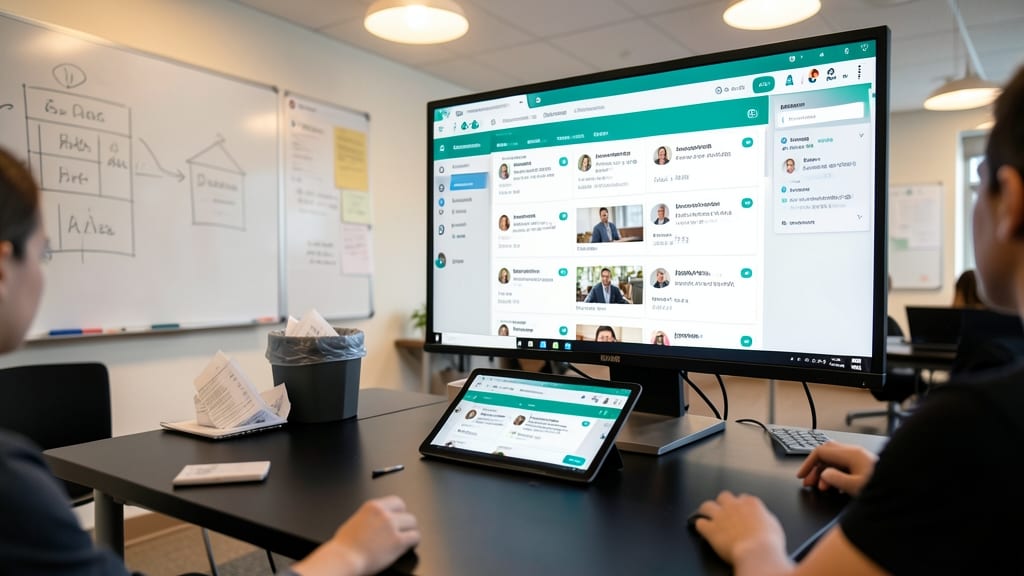
End those frustrating context-switches between apps—Microsoft Teams embeds Word, Excel, PowerPoint, and OneNote directly into the platform, so students can draft essays, analyze spreadsheets, or design presentations without ever leaving their virtual classroom. No more juggling browser tabs or explaining "save your file to OneDrive first" every five minutes.
The integration goes beyond basic access: Teachers can assign Office files directly through Teams, with version history tracking changes in real-time. Students collaborate on shared documents with co-authoring tools that highlight edits by color, while OneNote’s digital notebooks replace lost or forgotten paper assignments. The mobile app even lets students snap photos of whiteboard notes and convert them to editable text—perfect for STEM classes or art portfolios.
This seamless workflow is a game-changer for tech-forward educators teaching subjects like digital media, data science, or creative writing. Schools using Microsoft 365 Education get these tools at no extra cost, making it the ultimate productivity suite for modern classrooms. 💻
Virtual Classroom With Live Lessons

Bringing labs, field trips, and hands-on STEM lessons into the virtual classroom just got easier with Microsoft Teams’ live lesson tools. Whether you’re dissecting a virtual frog, solving equations in real time, or exploring a digital museum, the platform turns passive viewing into an interactive experience.
Teachers can share their screen to demonstrate complex concepts—like coding a Python script or analyzing a graph—while students follow along. Interactive polls let you gauge understanding instantly (e.g., "Which chemical reaction produces CO₂? A) Vinegar + Baking Soda or B) Salt + Water?"), and the whiteboard tool replicates the tactile feel of a physical board. For subjects requiring precision, breakout rooms (covered later) allow small groups to collaborate on experiments or projects without disrupting the main lecture.
This feature shines brightest for STEM educators or schools in remote areas where in-person labs are limited. With zero extra software needed, it’s the ultimate bridge between theory and practice. ✨
Collaborative Assignment Management System
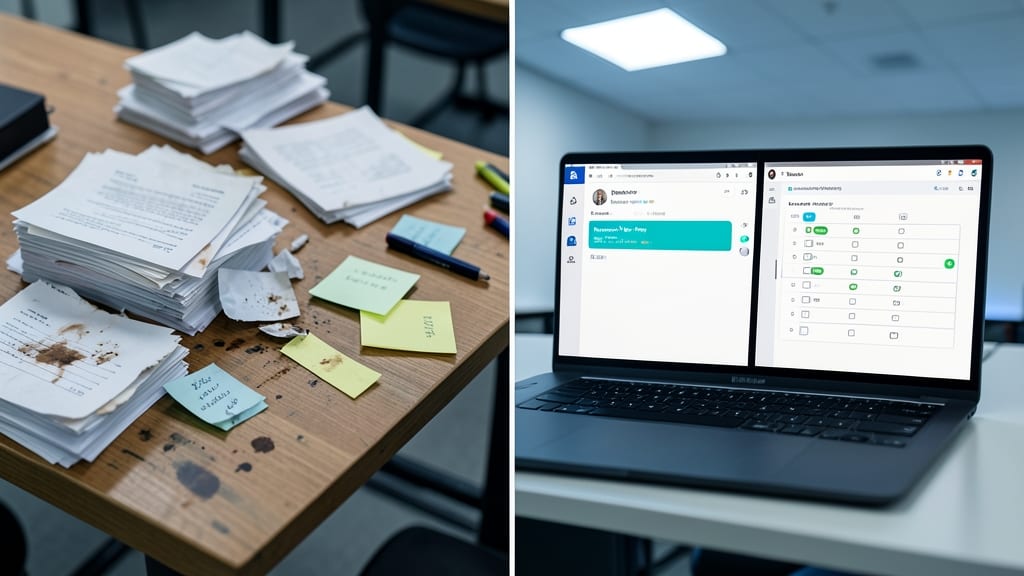
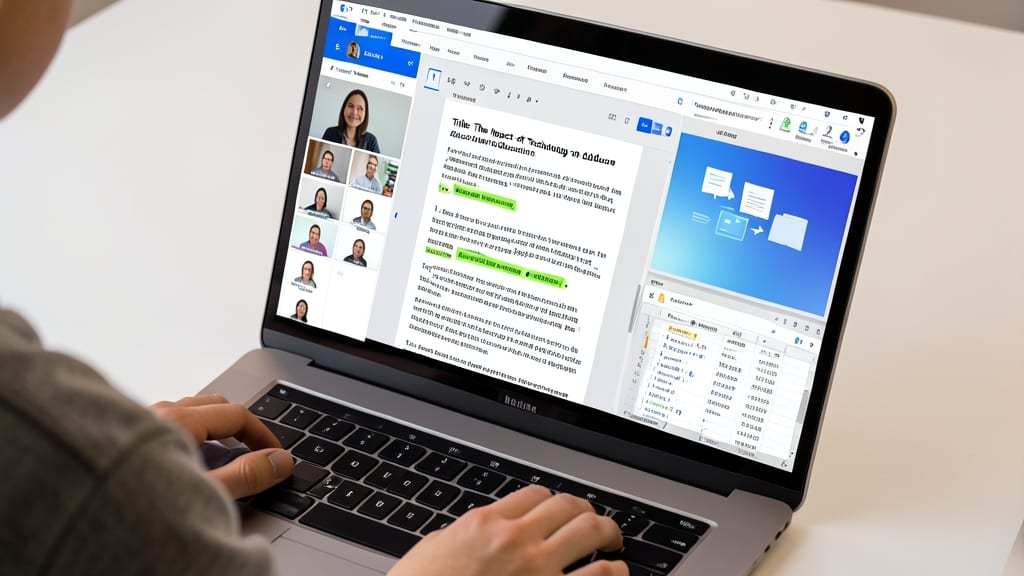
Say goodbye to endless grading stacks and forgotten assignments—Microsoft Teams’ Assignment Management System turns paperwork into a streamlined workflow. With just a few clicks, you can create assignments, set due dates, and even attach rubrics, all while students submit work directly through the platform.
The real game-changer? Automated reminders keep students on track, while real-time feedback tools let you grade faster with voice comments, stamps, and quick text notes. Plus, the integrated gradebook syncs with Excel for easy reporting, so you spend less time on admin and more time teaching. 💻
Breakout Rooms For Small Group Work

Struggling to keep small groups engaged during project-based learning? Microsoft Teams’ breakout rooms transform passive listening into active participation—ideal for language labs, debate clubs, or STEM teamwork.
With just a click, teachers can split a class into up to 50 rooms (perfect for large sections) and assign students randomly or manually. The timer feature ensures focused discussions, while screen-sharing and whiteboards let groups collaborate visually. Language teachers love the private chat for peer corrections during practice sessions.
Perfect for ESL programs, group research projects, or even virtual study halls—this feature turns "whole-class" lessons into dynamic small-group experiences without extra software. ✨
Parent-Teacher Communication Bridge
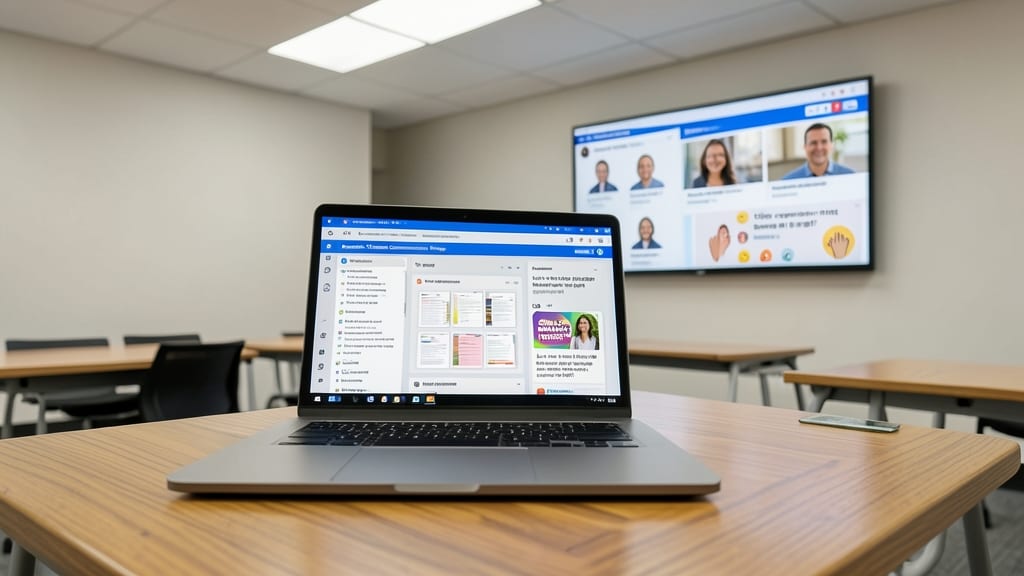
Tired of endless phone tag between parents and teachers? Microsoft Teams creates a dedicated Parent-Teacher Communication Bridge that centralizes updates, assignments, and messages in one secure, organized space.
Teachers can share real-time class updates in dedicated channels, while parents receive instant notifications for assignments, deadlines, and announcements—no more missed voicemails or forgotten emails. The Class Notebook integration lets parents preview their child’s work, and threaded conversations keep discussions organized. Schools report a 70% reduction in phone calls after implementing this feature.
This is a game-changer for busy families and teachers alike, ensuring everyone stays informed without the back-and-forth. 💡
Cost-Effective Alternative To Specialized Tools
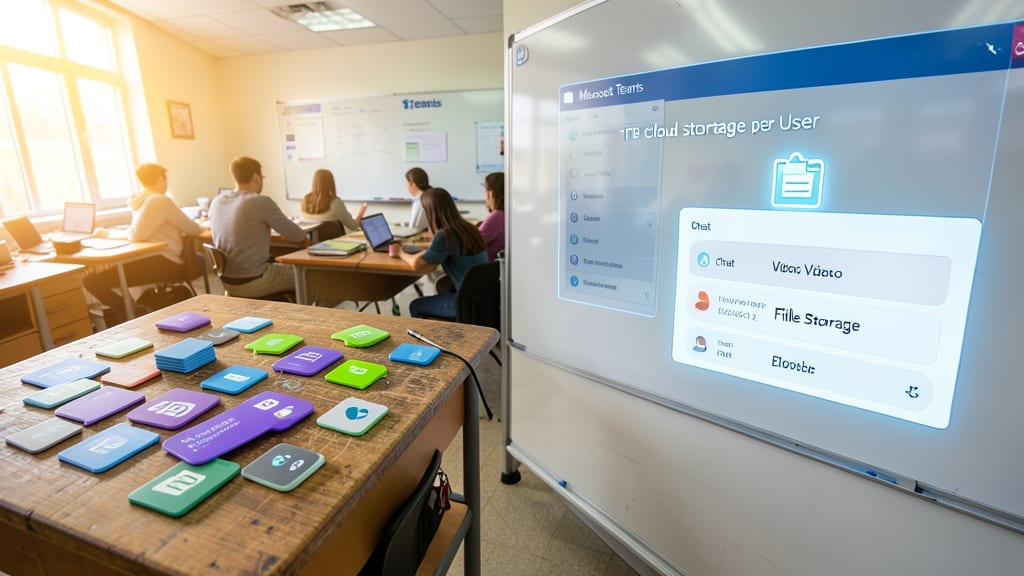
School budgets often stretch thin across multiple third-party apps—Slack for communication, Dropbox for files, and Zoom for lessons—but Microsoft Teams eliminates that chaos entirely. By bundling chat, video calls, file storage (1TB cloud storage per user), and collaboration tools into one platform, schools replace fragmented licenses with a single, affordable solution.
The real savings come from zero-config integration: no need to juggle logins or train staff on separate tools. For example, a high school district using Teams for 1,000 users could save $5,000+ annually compared to licensing Slack, OneDrive, and Zoom separately. Plus, the Education Edition offers free access to premium features like advanced security and admin controls.
This makes Teams ideal for budget-conscious districts or schools transitioning from outdated systems. With 99.9% uptime and Microsoft’s enterprise-grade support, it’s the smart choice for cutting costs without sacrificing functionality. ⚡
Secure And Compliant Data Storage
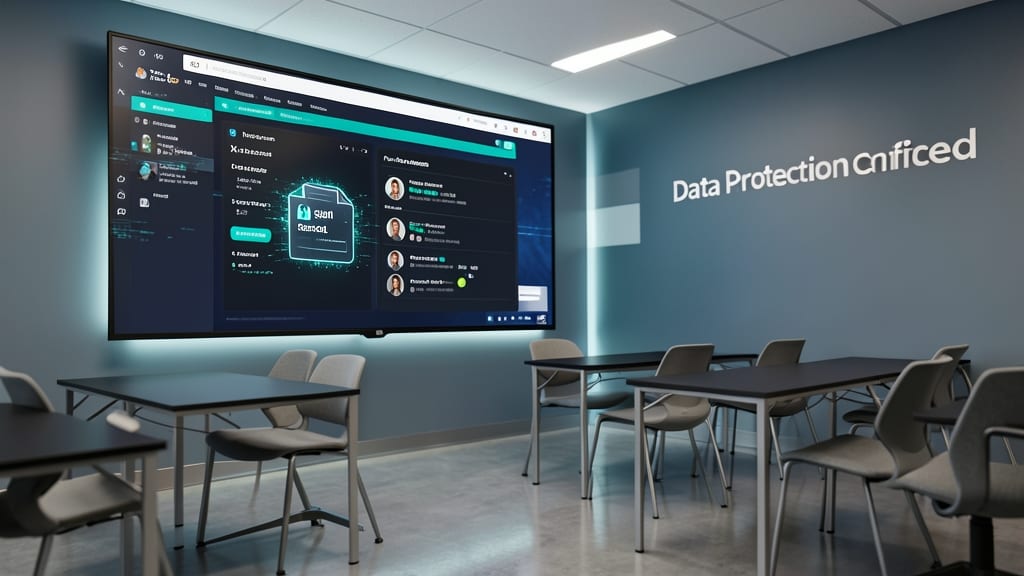
Worried about student data security? Microsoft Teams’ built-in compliance tools automatically meet FERPA and COPPA standards—no extra plugins needed. Schools can rest easy knowing sensitive records like grades, attendance, and health plans are encrypted at rest and in transit, with role-based access controls ensuring only authorized staff can view or edit files.
Administrators gain granular oversight through Microsoft Purview, which lets them audit file access, set expiration policies for shared data, and enforce multi-factor authentication for all accounts. The platform also integrates with school-wide directory services, so student records sync seamlessly while staying locked down to approved users.
This level of security is a game-changer for districts handling special education plans (IEPs) or Title IX records, where privacy breaches carry serious legal risks. With Teams, you get enterprise-grade protection without the complexity of third-party solutions. ✨
Student Engagement Through Polls And Quizzes
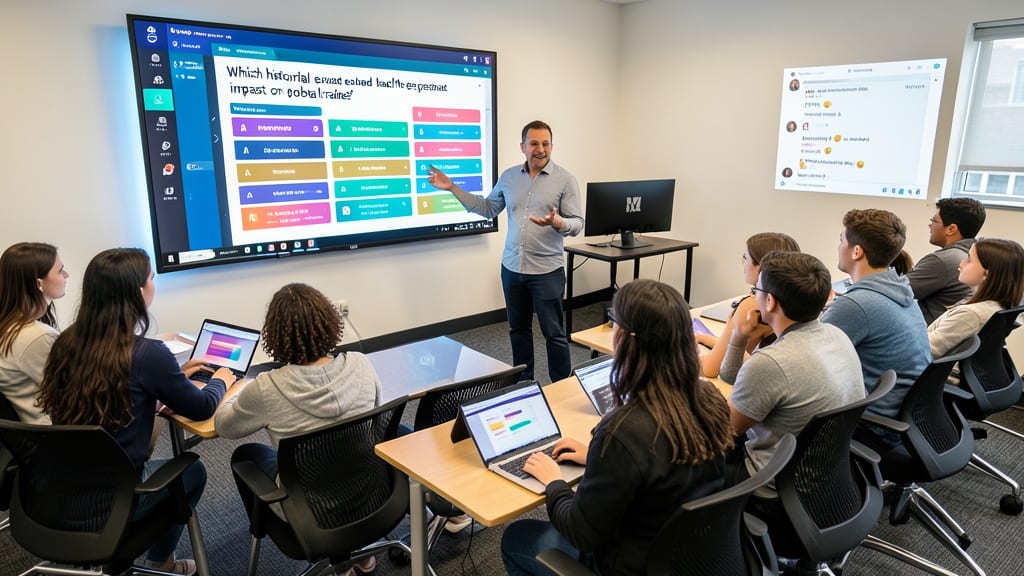
Turn passive students into active participants with Microsoft Teams' built-in polling and quiz tools, designed to make every lesson more dynamic. Whether you're teaching a lecture hall or a hybrid class, these features let you instantly gauge understanding, spark discussions, and keep energy high—without ever losing momentum.
Create live polls with just a click (multiple-choice, word clouds, or quick reactions) to check comprehension mid-lesson, or assign graded quizzes that auto-populate results in the Insights dashboard. The reaction buttons (thumbs up, clapping, confused) add a fun, low-pressure way for students to signal engagement—perfect for large classes where raising hands isn’t always practical. Plus, results update in real-time, so you can adjust your teaching on the fly. 💡
Easy Integration With Existing School Systems
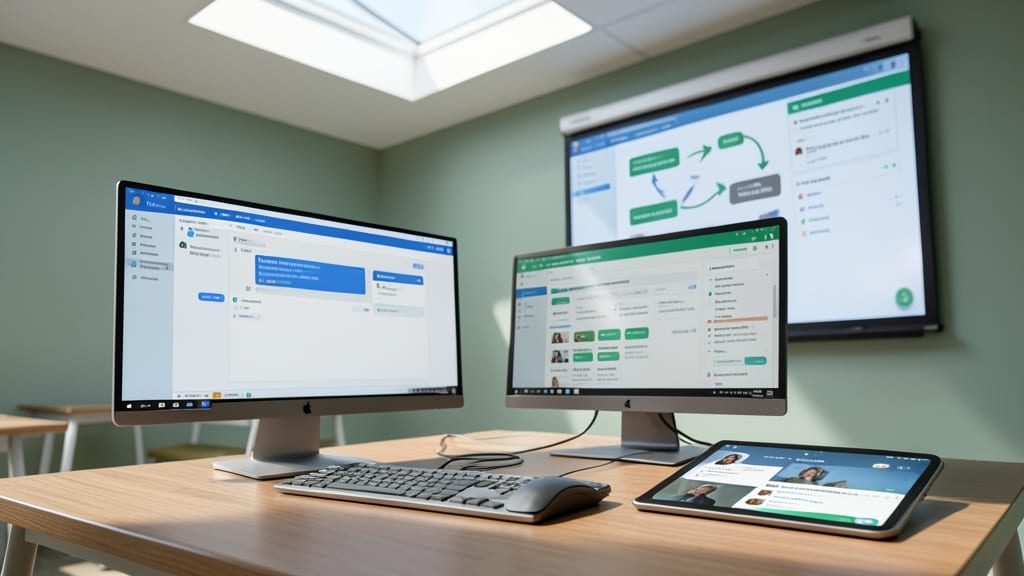
Schools already using Canvas or Google Classroom can breathe easy—Teams plays nice with your existing workflows. The platform integrates directly with these LMS systems, letting teachers sync assignments, grades, and announcements without manual data entry or extra logins.
With LTI (Learning Tools Interoperability) support, Teams embeds seamlessly into Canvas courses, while the Education Insights dashboard pulls data from both platforms for unified reporting. Teachers can even use familiar Canvas tools for grading while keeping student discussions and files in Teams—no training required.
This makes adoption a breeze for districts hesitant to overhaul their entire tech stack. Districts using Microsoft 365 Education already get this integration out of the box. ✨